To return to the normal screen
Press o'_RETURN.
To turn off the Custom Parental Control function
I Select the disc for which you want to turn off the
Custom Parental Control function.
2 Select "CUSTOM PARENTAL CONTROL" using t1"/,I,,
then press ENTER.
3 Select "OFF"_" using t/,I,, then press ENTER.
4 Enter your 4-digit password using the number buttons,
then press ENTER.
To change the password
1 Select "CUSTOM PARENTAL CONTROL" using '1"/,!,,
then press ENTER.
2 Select "PASSWORD,._" using '1"/,I,,then press ENTER.
3 Enter your 4-digit password using the number buttons,
then press ENTER.
The display for changing the password appears.
4 Enter a new 4-digit password using the number
buttons, then press ENTER.
5 To confirm your password, re-enter it using the number
buttons, then press ENTER.
Playing the disc for which the Custom
Parental Control is set
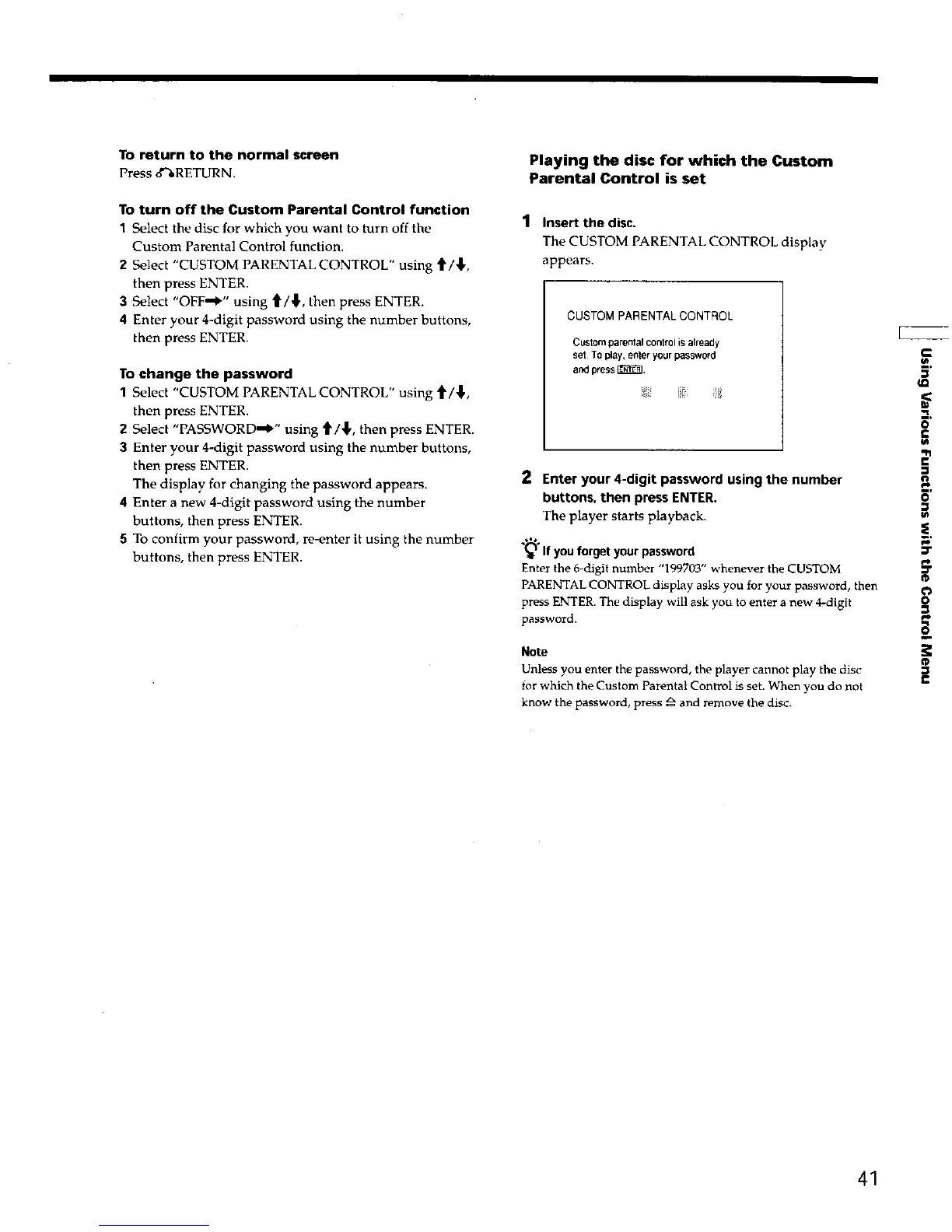
1 Insert the disc.
The CUSTOM PARENTAL CONTROL display
appears.
CUSTOM PARENTAL CONTROL
Customparentalcontrolisalready
set TOplay,enteryourpassword
andpress_.
2 Enter your 4-digit password using the number
buttons, then press ENTER.
The player starts playback.
.*=%
_'_ If youforgetyourpassword
Enter the 6-digit number "199703" whenever the CUSTOM
PARENTALCONTROL display asks you for your password, then
press ENTER. The display will ask you to enter a new 4-digit
password.
Note
Unless you enter the password, the player cannot play the disc
for which the Custom Parental Control is set. When you do not
know the password, press _ and remove the disc.
€
.i I
m,
o
e.
w
R1
€
¢r
pi,
It
o
e
€
41











 To Next Page