12
GB
Maintaining the moderate
volume level (AVLS)
The AVLS (Automatic Volume Limiter
System) function allows you to listen to the
sound at a moderate volume level when
using the headphones. The AVLS function
limits the maximum volume to prevent
auditory issues or distraction and to
maintain a moderate volume level.
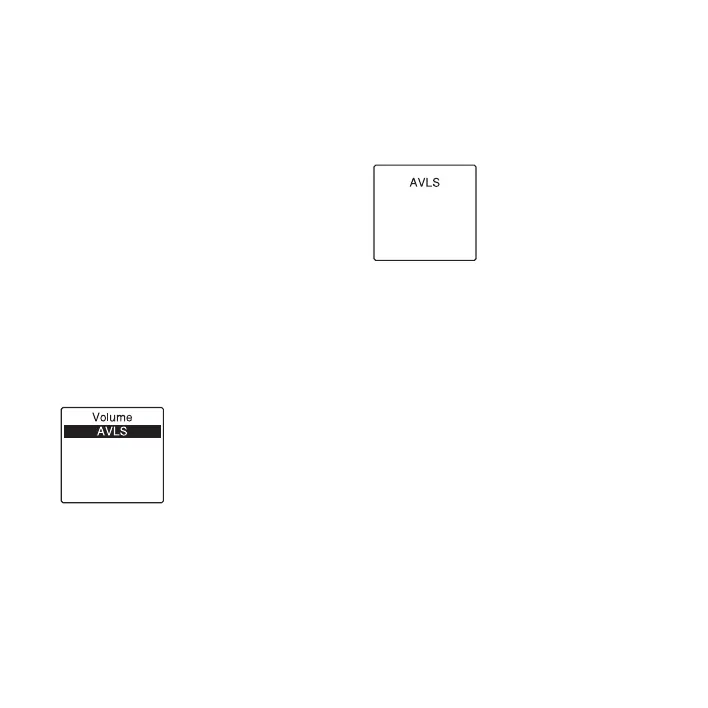
When “AVLS” is set to “ON” in the menu
(page 85), and you try to adjust the volume
to a level that exceeds the AVLS-specified
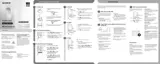
level, “AVLS” indicator lights. You cannot
adjust the volume to a level that exceeds the
limit.
When “AVLS” is set to “OFF” in the menu,
the “Advise to not listen at high VOL”
message is displayed with a beeping sound.
Press
N PLAY/STOP•ENTER to return to
the menu mode window.
If you play back files at a volume that
exceeds the AVLS-specified level for
specified period of time, “AVLS” will be
displayed and “AVLS” menu is
automatically set to “ON.”
P Note
“AVLS” is set o “ON” when you purchase the
IC recorder. If you want to turn off the
function and play back files at the original
volume, use the menu to set “AVLS” to “OFF”
(
page 85).


 To Next Page