49
GB
Other Recording Operations
Operation during Recording
Monitoring the recording
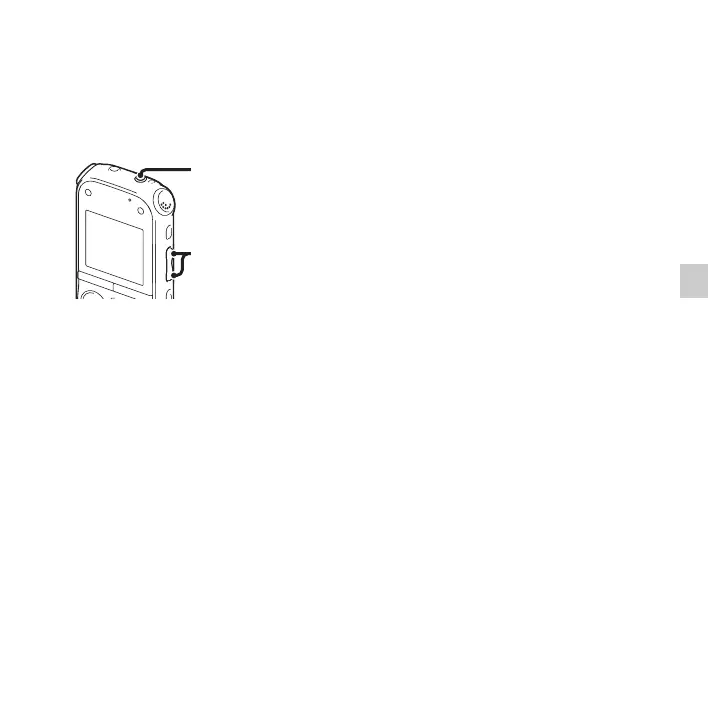
If you connect the stereo headphones to the
i (headphone) jack, you can monitor the
recording. You can adjust the monitoring
volume by pressing VOL –/+, but the
recording level is fixed.
P Note
When the cord of the headphones touches the
IC recorder while you are monitoring the
recording, the IC recorder may record a
rustling noise. The rustling noise can be
reduced by holding the cord away from the IC
recorder.
i (headphone) jack
VOL –/+



 To Next Page