52
GB
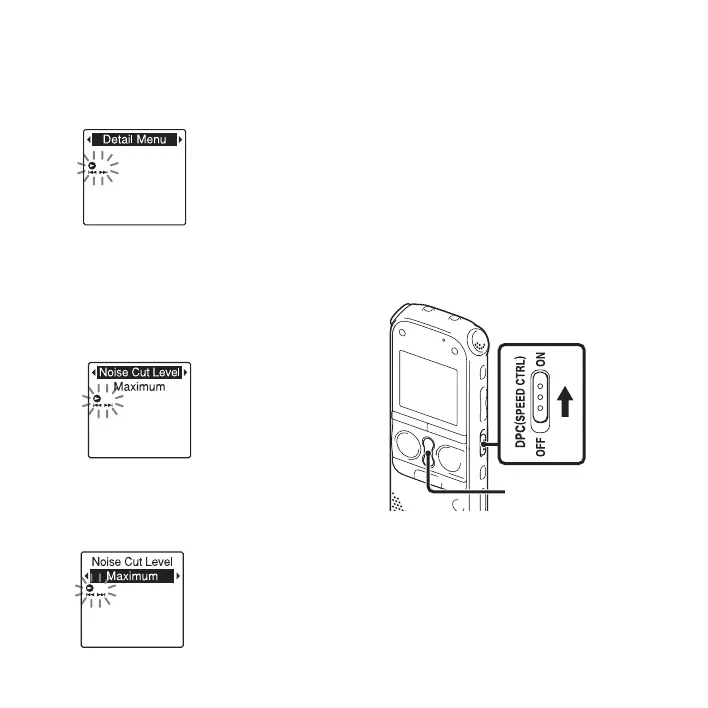
2 Press –. or >+ to select “Detail
Menu,” and then press
N PLAY/
STOP•ENTER.
3 Press –. or >+ to select “Noise
Cut Level,” and then press
N PLAY/
STOP•ENTER.
The “Noise Cut Level” setting window
will be displayed.
4 Press –. or >+ to select
“Maximum” or “Medium,” and then
press
N PLAY/STOP•ENTER.
“Noise Cut Level” is set to “Maximum”
when you purchase the IC recorder.
5 Press x (stop) to exit the menu mode.
To cancel the noise cut function
Slide the NOISE CUT switch to “OFF.”
Adjusting the playback
speed – the DPC (Digital
Pitch Control) function
You can adjust the playback speed in a
range from 0.50 times to 2.00 times. The
file is played back in natural tones by
means of a digital processing function.
SPEED+/–



 To Next Page