73
GB
Listening to the FM Radio
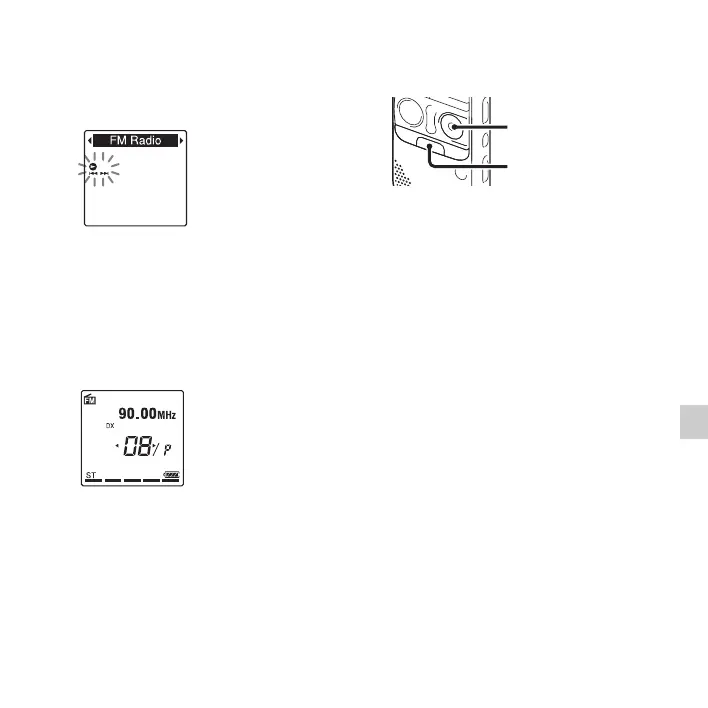
2 Press –. or >+ to select “FM
Radio,” and then press
N PLAY/
STOP•ENTER.
The IC recorder enters the FM radio
mode.
3 Press •DISP
–
MENU briefly to move the
cursors (
b, B) to both sides of the preset
number display on the lower line in the
window.
The IC recorder is now ready for tuning
in a radio station by selecting a preset
number.
4 Press –. or >+ repeatedly until the
preset (P) number you want is displayed.
5 Press x (stop) to turn the FM radio off.
Recording FM broadcasts
1 Tune in the station you want to record.
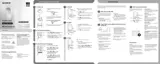
2 Press z REC/PAUSE to start recording.
3 Press x (stop) to stop recording.
P Notes
• While the FM radio is activated, you cannot
change memory media or select a folder.
Before starting FM radio recording, select
the memory media and folder you want to
use to record the FM broadcast in advance.
• During FM recording, the Mic Sensitivity,
VOR, and LCF functions do not work.
z REC/PAUSE
x



 To Next Page