36
GB
Scene Select settings
For details on the menu items and settings,
see pages 83 through 90.
P Note
You cannot modify the Scene Select settings.
If you want to change the setting items, such as
REC Mode (page 89), Mic Sensitivity
(page 89), etc., for recording situations, use the
menu to change each item of recording
settings.
Adding a recording to a
previously recorded file
When “Add/Overwrite” in the menu is set
to “Add,” you can add a recording to the
file being played back. The added recording
will be placed after the current file, and will
be counted as a part of the file.
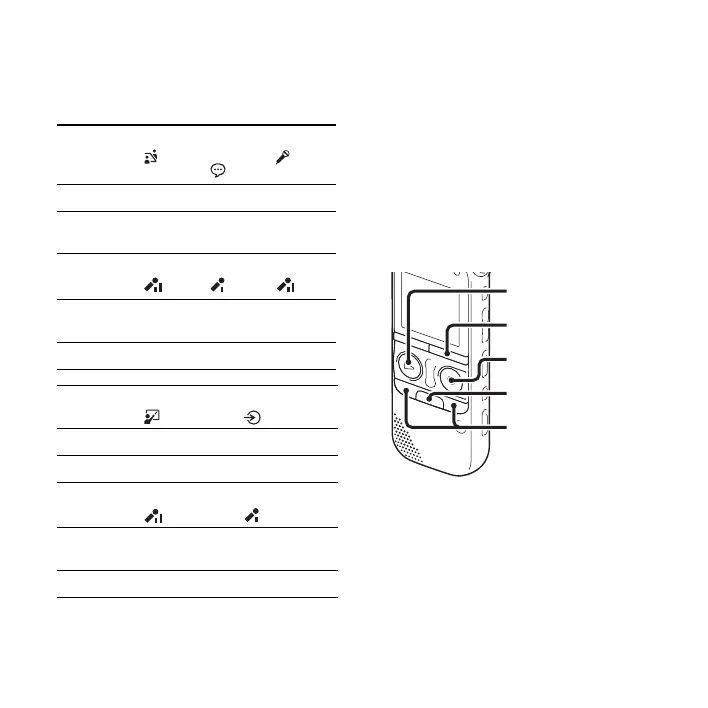
Meeting
()
Voice
Notes
()
Interview
(
)
VOR OFF OFF OFF
REC Mode 192kbps
(ST)
128kbps
(STSP)
192kbps
(ST)
Mic
Sensitivity
Medium
()
Low
()
Medium
()
LCF(Low
Cut)
ON ON ON
Select Input MIC IN MIC IN MIC IN
Lecture
()
Audio IN
()
VOR OFF OFF
REC Mode 192kbps (ST) 192kbps (ST)
Mic
Sensitivity
Medium
()
Low
()
LCF(Low
Cut)
OFF OFF
Select Input MIC IN Audio IN
z REC/PAUSE
x
•DISP
–
MENU
–., >+
N PLAY/
STOP•ENTER



 To Next Page