22
GB
To stop recording
Note while accessing
The IC recorder is recording data and storing it on the memory media when the
“Accessing...” animation appears in the display window or the access indicator flashes in
orange. While the IC recorder is accessing data, do not remove the batteries or connect or
disconnect the USB AC adaptor (not supplied). Doing so may damage the data.
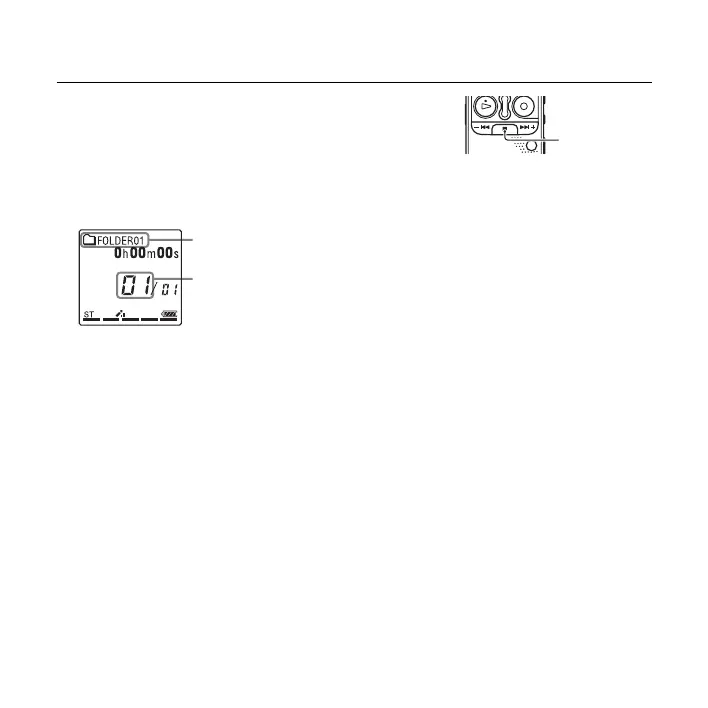
1 Press x (stop).
The “Accessing...” animation appears and the IC
recorder stops at the beginning of the current recording
file.
You can locate the recorded file using its folder name
and file number for playback later.
The folder containing the recorded
file
The number of the recorded file
representing how early the file was
recorded in a folder.
x



 To Next Page