30
GB
Erasing
P Note
Once a recording has been erased, you cannot retrieve it.
Selecting a file and erasing it
1 Slide the HOLD•POWER ON/OFF switch towards the
center to release the IC recorder from the HOLD status
(page 11).
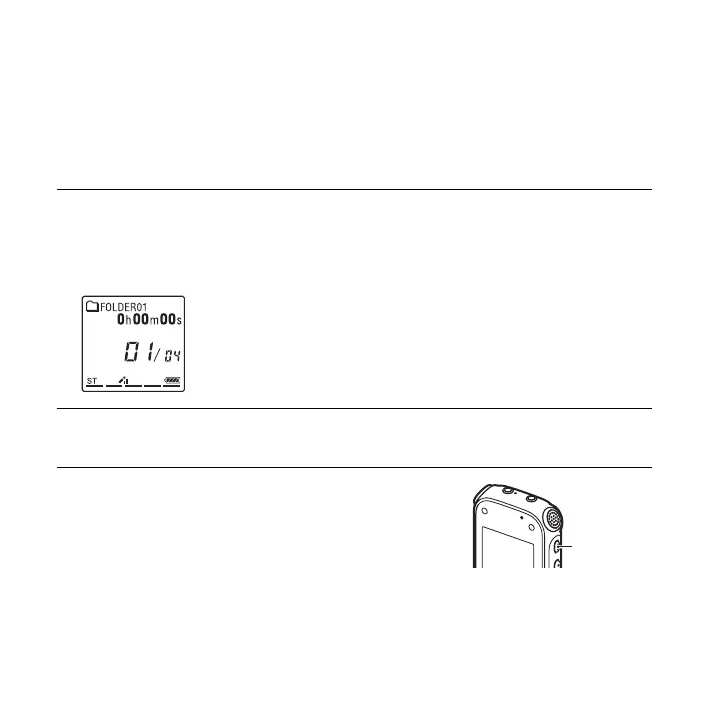
The stop mode window appears.
2 Select the file you want to erase when the IC recorder is
in the stop or playback mode (page 26).
3 Press ERASE.
“Erase?” is displayed and the specified file is played
back for confirmation.
ERASE



 To Next Page