8
GB
Getting Started
Step 1: Checking the Contents of the
Package
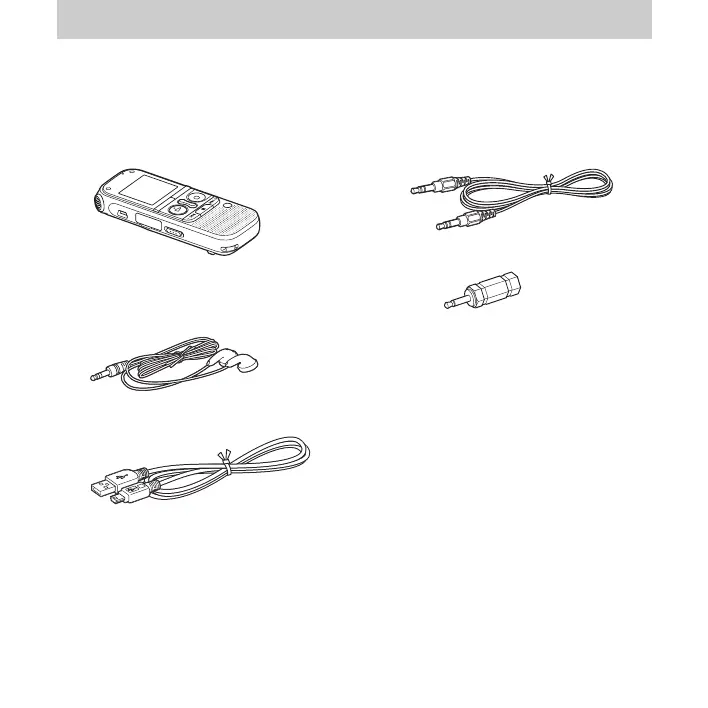
IC Recorder (1)
Remove the film on the display window
before you use the IC recorder.
Stereo headphones (1)
USB connecting cable (1)
To connect the IC recorder to a computer,
make sure to use the supplied
USB
connecting cable.
Audio connecting cable (stereo) (1)
Plug adaptor (stereo-monaural) (1)
LR03
(size
AAA
) alkaline batteries
(2)
P Note
When you charge batteries, purchase
NH-AAA-B2KN rechargeable batteries (not
supplied).
Carrying pouch (1)
Application software, Sound
Organizer (CD-ROM) (1)
Operating Instructions
The operating instructions are stored as PDF
files in the built-in memory of the IC
recorder.



 To Next Page