60
GB
Editing Files
Arranging Files in a Folder
Moving a file to a different
folder
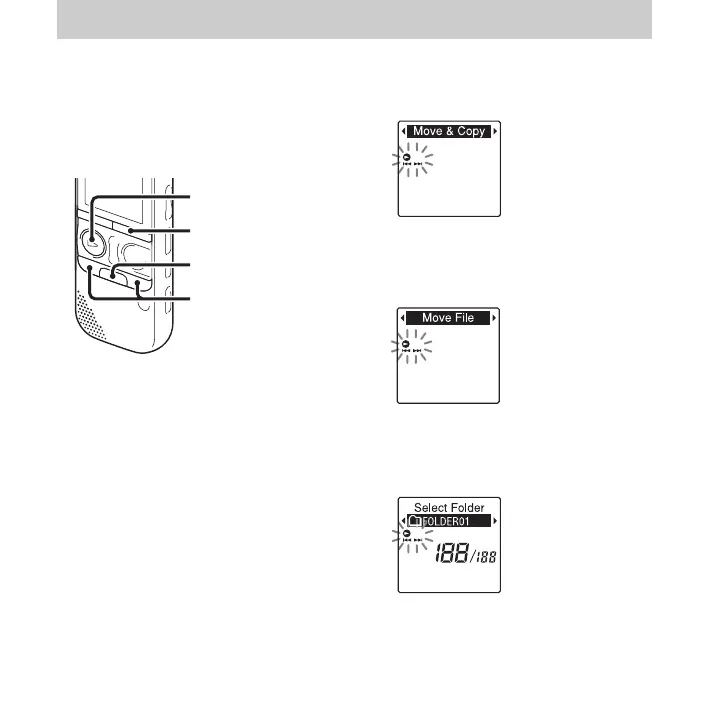
1 Select the file you want to move.
2 Press and hold •DISP
–
MENU in the stop
mode to enter the menu mode.
The menu mode window will be
displayed.
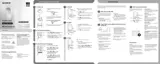
3 Press –. or >+ to select “Move &
Copy,” and then press
N PLAY/
STOP•ENTER.
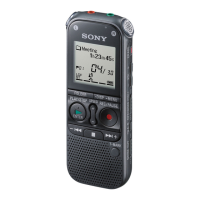
4 Press –. or >+ to select “Move
File,” and then press
N PLAY/
STOP•ENTER.
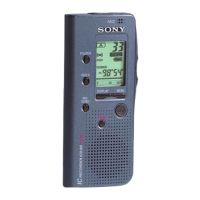
5 Press –. or >+ to select the folder
that you want to move the file into, and
then press
N PLAY/STOP•ENTER.
The “Moving File...” animation is
displayed and the file is moved to the last
position in the destination folder.
N PLAY/
STOP•ENTER
x
–., >+
•DISP
–
MENU



 To Next Page