53
GB
Other Playback Operations
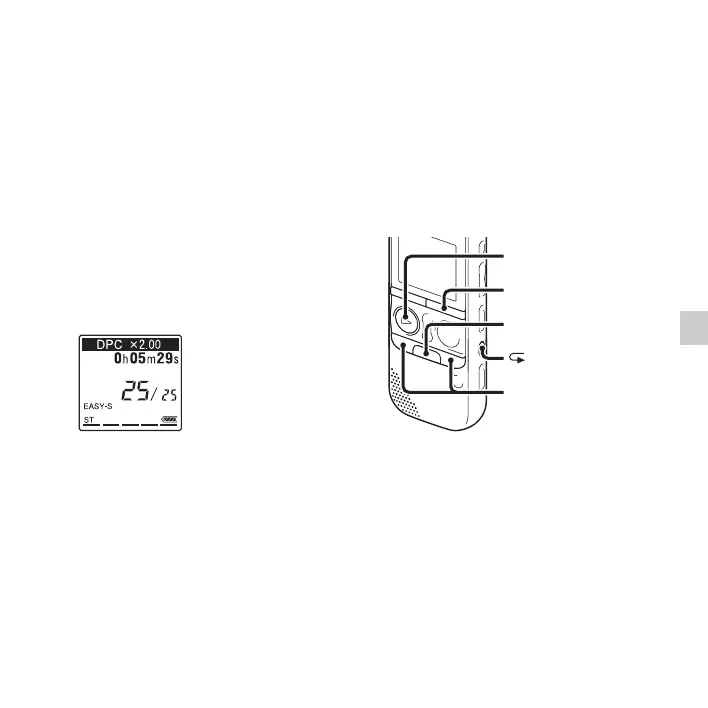
1 Slide the DPC(SPEED CTRL) switch to
“ON.”
2 During playback, press SPEED+/– to
adjust the playback speed.
–: Decreases the speed by 0.05 times
each time this button is pressed (from
×0.50 to ×1.00).
+: Increases the speed by 0.10 times each
time this button is pressed (from ×1.00 to
×2.00).
When you press and hold each button,
you can change the speed continuously.
The playback speed is set to “×0.70”
when you purchase the IC recorder.
To resume normal playback
speed
Slide the DPC(SPEED CTRL) switch to
“OFF.”
P Notes
• If you press SPEED+/– when the
DPC(SPEED CTRL) switch is set to “OFF,”
the “DPC is OFF” is displayed and you
cannot adjust the playback speed. Set the
DPC(SPEED CTRL) switch to “ON.”
• The noise cut function (page 51) does not
work if the DPC(SPEED CTRL) switch is
set to “ON.”
Selecting the playback
mode
You can use the menu or operate buttons to
select the playback mode according to the
playback situations.
N PLAY/
STOP•ENTER
x
A-B
•DISP
–
MENU
–., >+



 To Next Page