25
GB
Basic Operations
Listening
Starting playback
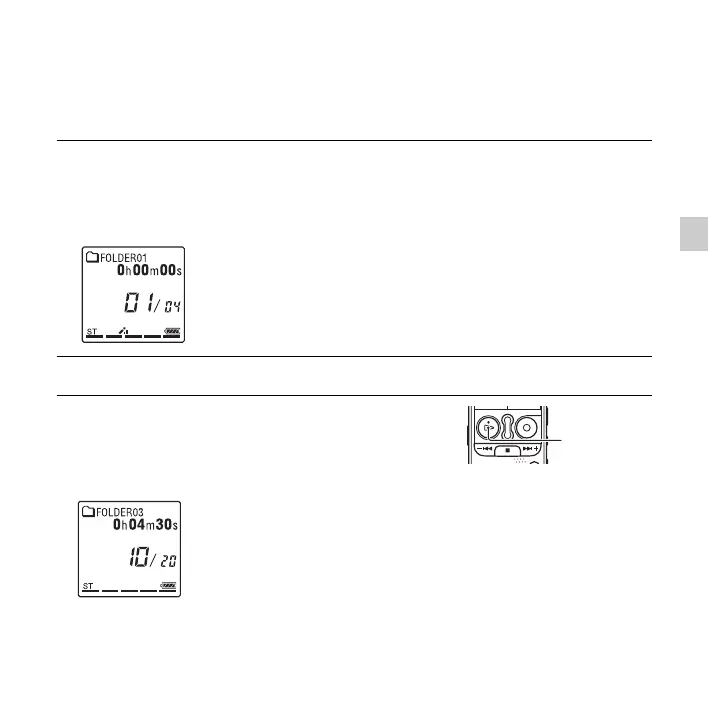
1 Slide the HOLD•POWER ON/OFF switch towards the
center to release the IC recorder from the HOLD status
(page 11).
The stop mode window appears.
2 Select the file you want to play (page 26).
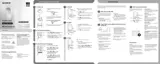
3 Press N PLAY/STOP•ENTER.
Playback will start soon, and the playback indicator will
light in green. (When “LED” is set to “OFF” in the
menu (page 91), the indicator does not light.)
N
PLAY/
STOP•ENTE
(playback
indicator)


 To Next Page