83
GB
About the Menu Function
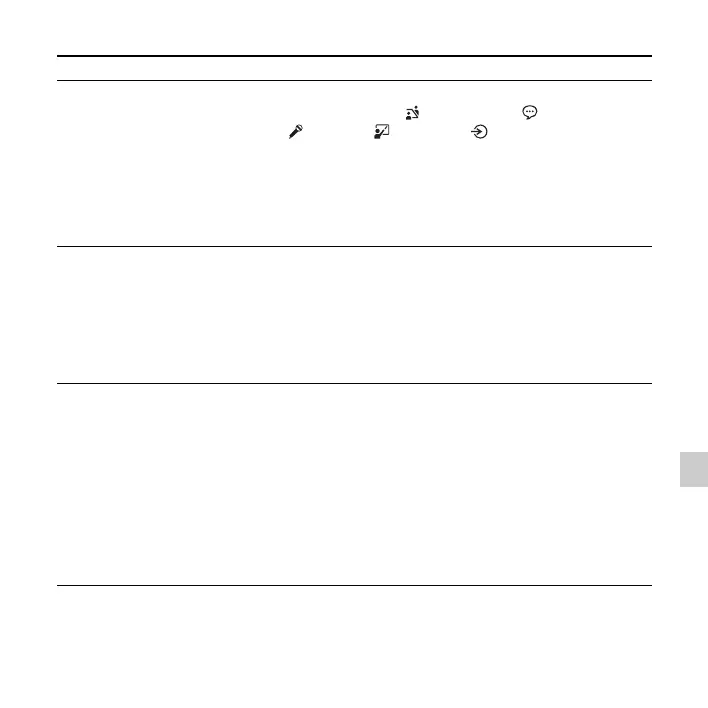
Menu items Settings (*: Initial setting) See page
Scene Select
Allows you to choose a recording scene item for each
situation as follows: Meeting ( ), Voice Notes ( ),
Interview ( ), Lecture ( ), Audio IN ( ).
z
Tip
When you choose a scene, the following recording items are
automatically set to their optimum settings for recording
situations:“REC Mode” (page 89), “Mic Sensitivity”
(page 89), “LCF(Low Cut)” (page 90), “VOR” (page 39)
33
Add/Overwrite
Allows you to add a recording to a previously recorded file
or an overwrite recording during playback.
Add:
You can add a recording.
Overwrite:
You can overwrite a recording.
OFF*:
You cannot add or overwrite a recording.
36, 38
VOR
Sets the VOR (Voice Operated Recording) function.
ON:
Recording starts when the IC recorder detects sound and
pauses when no sound is heard, eliminating recording
during soundless periods. The VOR function is activated
when
z REC/PAUSE is pressed.
OFF*:
The VOR function does not work.
P Note
During FM recording (page 73), the VOR function does not
work.
39



 To Next Page