55
GB
Other Playback Operations
To play back a specified section
repeatedly – A-B repeat
1 During playback, press (repeat) A-B
to specify the starting point A.
“A-B B?” is displayed.
2 Press (repeat) A-B again to specify
the finishing point B.
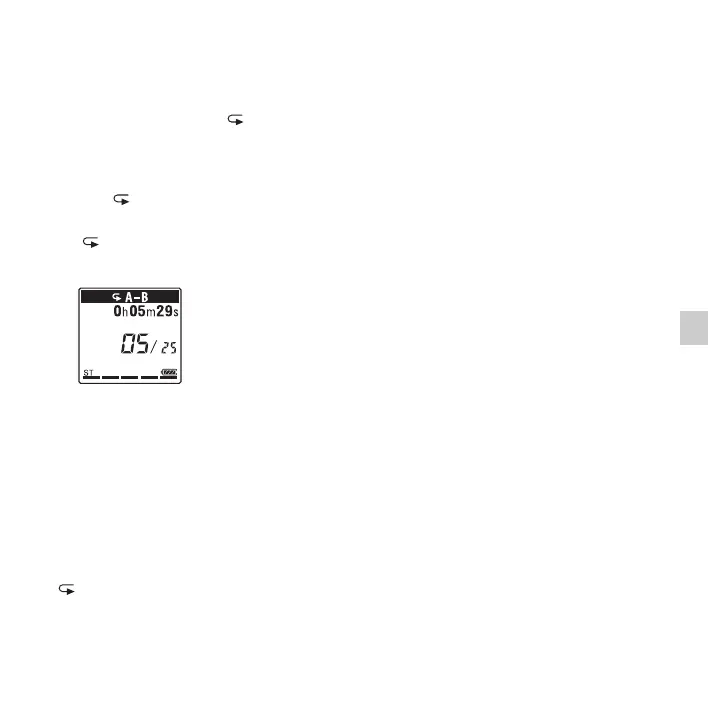
“ A-B” is displayed and the specified
section is played back repeatedly.
To resume normal playback:
Press
N PLAY/STOP•ENTER.
To stop A-B repeat playback:
Press
x (stop).
To change the segment specified for A-B
repeat playback:
During A-B repeat playback, press
(repeat) A-B again to specify a new
starting point A. Then specify a new
finishing point B, as in step 2.
P Note
You cannot set the points A and B near the
beginning or the end of a file, and around track
marks.


 To Next Page
 Loading...