Help Guide
IC Recorder
ICD-TX800
Turning off the IC recorder
Note
To restart your IC recorder, slide the HOLD•POWER switch to “POWER” and hold it for 8 seconds or longer. While the IC
recorder is in operation and you restart it, the data that is stored on the IC recorder or the IC recorder settings may be deleted.
Hint
The Auto Power Off function on your IC recorder is set to “30min” by default to save battery power. If you leave the IC recorder
unused for 30 minutes, it will automatically turn off.
Related Topic
Turning on the IC recorder
Restarting the IC recorder
4-699-323-32(1) Copyright 2017 Sony Corporation
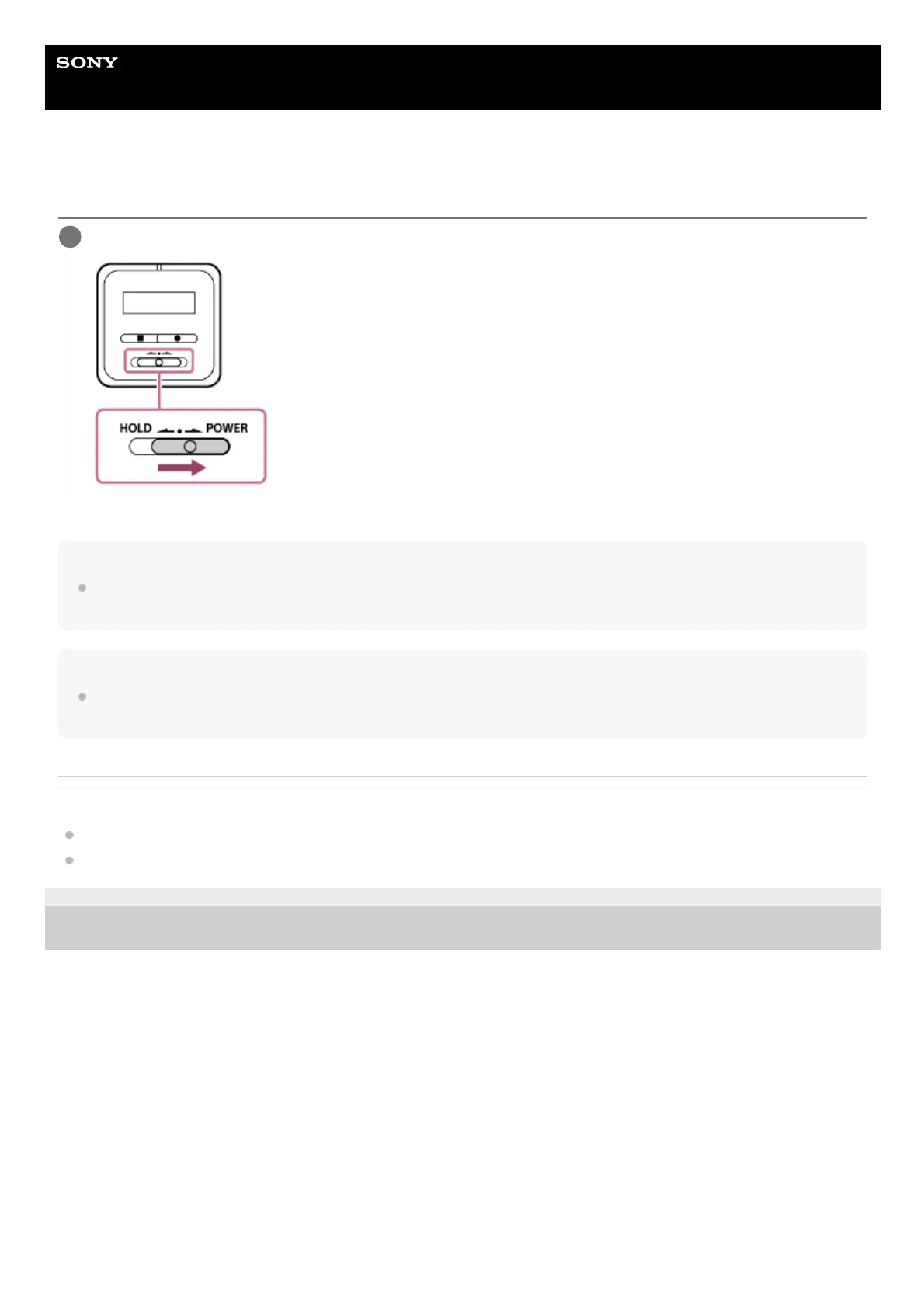
Slide the HOLD•POWER switch to “POWER” and hold it until “Power Off” appears on the display window.
1



 To Next Page