English
(E) 13
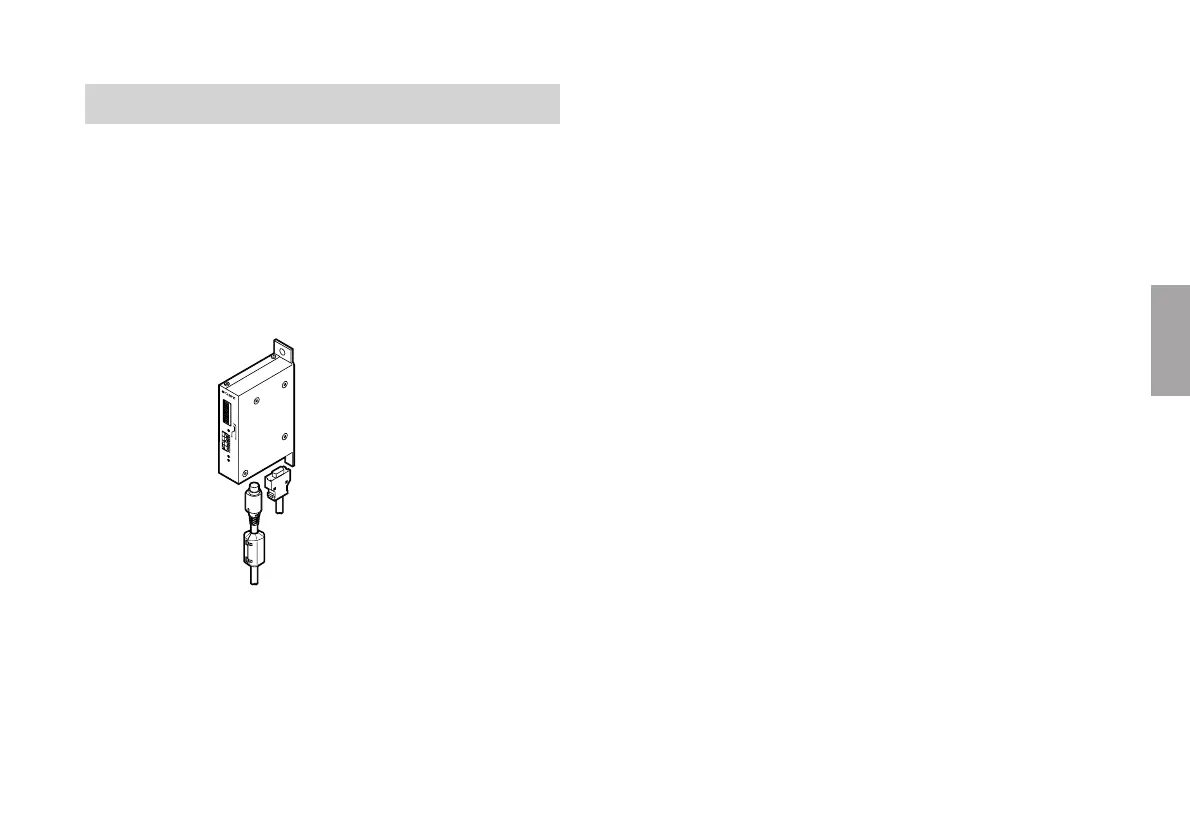
3-9. Supplied ferrite core
To prevent malfunctions caused by noise from other
equipment, attach the supplied ferrite core to the head
cable.
Firmly secure the ferrite core to the position nearest to the
interpolator.
When using an extension cable, be sure to attach the ferrite
core to the extension cable end nearer the interpolator.
A
L
M
L
E
V
E
L
S
P
E
E
D
M
J700
OFF OFF
ON
OFF
O
FF ON
ON
ON
A
B
S
1
1
2
3
4
5
6
7
8
9
1
0
2
3
4
5
6
7
8
9
1
0
OFF
O
N
M
O
D
E
®
Ferrite core
Input/output cable
Head cable













 To Next Page