35
RCD-W10
2) Press the “RESET” button (SW101) of the jig as prompted by the display.
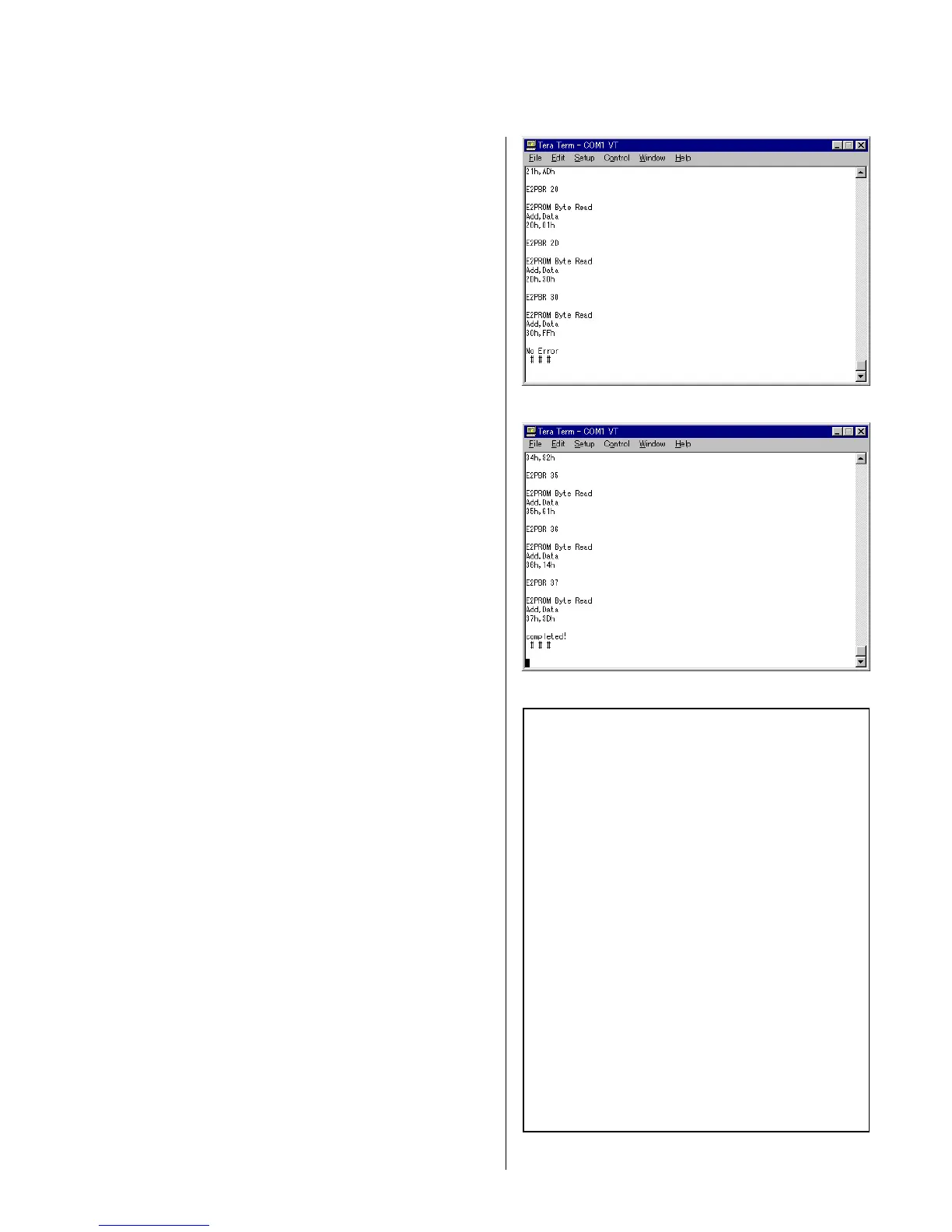
3) When there is no error, the display as shown in Fig. 3-26
appears.
4) When error has occurred, the display as shown in Fig. 3-27
appears showing error history. Contents of the errors are
displayed as shown in Fig. 3-28 after interpretation of the error
log. Check the contents of the error by looking at the file
“EEPROM_Errorlog.txt” in the TeraTermPro directory
5) The elapsed operating hours is shown at the top of
“EEPROM_Errorlog.txt” regardless of presence/absence of the
error history. Check the elapsed operating hours from the
display as shown in Fig. 3-28.
4 Fig. 3-26
4 Fig. 3-27
4 Fig. 3-28 : Error log example
SN = xxxx
Op elapsed time: 12:0:56
Spindle elapsed time: 17:9:44
**** Error Log data(0) ****
Error Pointer= 38
Error Code= 05,04,E0,00,00,01,0D,0D
Focus is dropped
1x speed
Servo wakeup
Lead In Start Time= 7:0:0
Laser Power= 0
ATIME= 1:13:13
**** Error Log data(-1) ****
Error Pointer= 30
Error Code= 05,04,E0,00,00,00,14,43
Focus is dropped
1x speed
Servo wakeup
Lead In Start Time= 7:0:0
Laser Power= 0
ATIME= 0:20:67


 To Next Page
 Loading...