40
RCD-W10
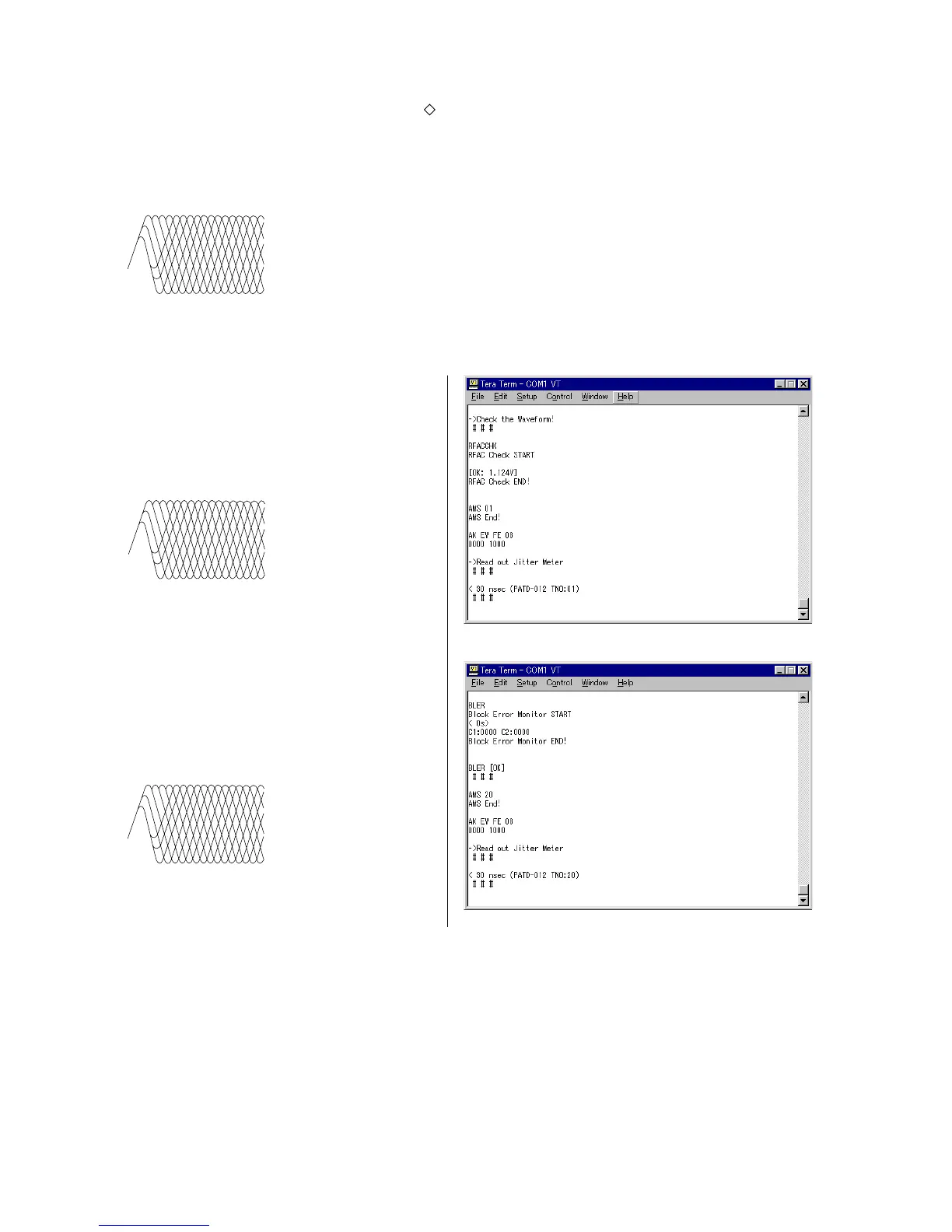
5) As prompted by the message shown in Fig. 4-24, check that
the waveform as shown in Fig. 4-23 appears on an oscilloscope.
6) As prompted by the message shown in Fig. 4-26, check that
the waveform as shown in Fig. 4-25 appears on an oscilloscope.
Note :The clear RF signal waveform means that the shape “ ” can be clearly distinguished at the center of the waveform.
RF signal waveform
VOLT/DIV : suitable value
TIME/DIV : 500ns
4 Fig. 4-22
RF signal waveform
VOLT/DIV : suitable value
TIME/DIV : 500ns
4 Fig. 4-23
RF signal waveform
VOLT/DIV : suitable value
TIME/DIV : 500ns
4 Fig. 4-25
4 Fig. 4-24
4 Fig. 4-26
7) Check that the message “CDR PB-CAL completed!” appears.
NG Judgment Result Indication
4-2-1. Playback Measurement NG!
Contents : This message appears when the BLER (Block Error Rate) during playback is outside the specification.
Measure : Check if there is any abnormality in RBD1.
Replace KRM-220CAA.


 To Next Page
 Loading...