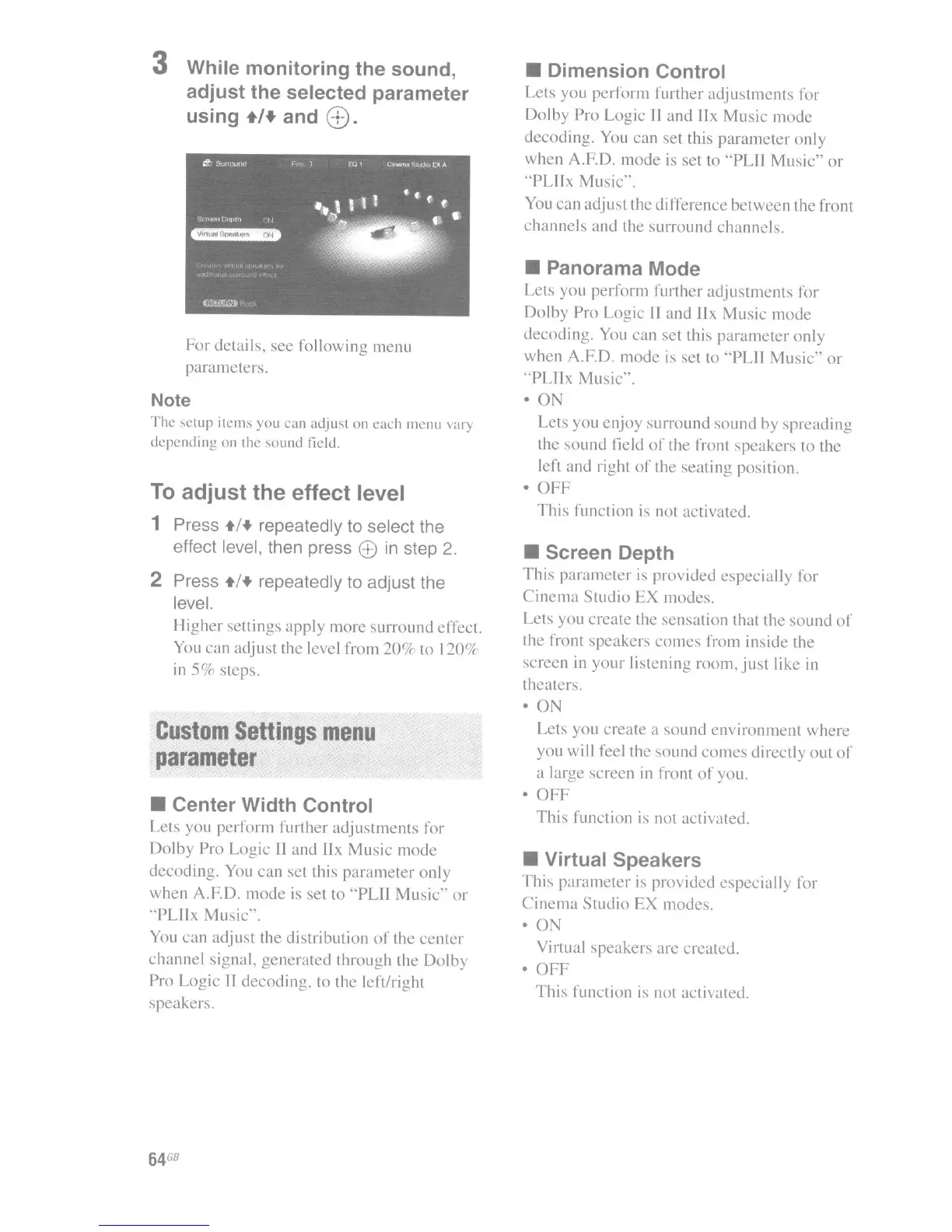
3 While monitoring the sound,
adjust the selected parameter
using
+1+
and
8).
For
details,
see
following menu
parameters.
Note
The
setup
items you
can
adjust on
each
menu \'ary
depending
on the soulld field.
To
adjust the effect level
1 Press +/+ repeatedly to select the
effect level, then press
6)
in
step
2.
2 Press +/+ repeatedly to adjust the
level.
Higher
sellings
apply
more surround effect.
You can adjust the level from
20'.* to
120'.*
in
5Ck
steps.
Custom
Settings
menu
parameter
• Center Width Control
Lets you
perform
further
adjustments
for
Dolby
Pro Logic
II
and IIx
Music
mode
decoding. You can set this
parameter
only
when A.F.D.
mode
is
set to
"PLII
Music"
or
"PLJlx
Music".
You
can
adjust the distribution
of
the
center
channel
signal.
generated
through the
Dolby
Pro Logic II
decoding,
to the left/right
speakers.
64
GB
• Dimension Control
Lets you
perform
further
adjustments
for
Dolby Pro Logic II and IIx
Music
mode
decoding. You can set this
parameter
only
when
A.F.D.
mode
is set to "PLII
Music"
or
"PLllx
Music".
You can adjust the difference
between
the front
channels
and
the surround channels.
• Panorama Mode
Lets
you
perform
further
adjustments
for
Dolby Pro Logic
II
and
!Ix
Music
mode
decoding. You can set this
parameter
only
when A.F.D.
mode
is set to "PLII
Music"
or
"PLllx
Music".
• 0
Lets you
enjoy
surround
sound
by
spreading
the
sound
field
of
the front speakers to the
left and right
of
the
seating
position.
•
OFF
This
function
is
not activated.
• Screen Depth
This
parameter
is
provided especially for
Cinema
Studio
EX modes.
Lets you create the sensation that thc
sound
of
the front speakers
comes
from inside the
screen in
your
listening room,
just
like in
theaters.
• ON
Lets you create a
sound
environment
where
you will feel the
sound
comes
directly
out
of
a large screen in front
of
you.
•
OFF
This
function is not activated.
• Virtual Speakers
This
parameter
is provided especially for
Cinema
Studio
EX modes.
· 0
Virtual speakers are created.
•
OFF
This
function
is
not activated.

















 To Next Page