Notes
•
The
sound fields for music and movies
do
not work
in the following cases.
-
The
multi-channel input is selected.
- Input signals
of
which the
sampling
frequency is
more than 48 kHz are being received.
-
The
multi-channel Linear PCM signals are
received via an
HDMIIN
jack.
'If
you set up the sound field
during
DTS
96/24
signal reception, the signal will be played back
only at
48
kHL
•
The
effects provided by the virtual speakers may
cause increased noise in the playback signal.
• When listening with sound fields that
employ
the
virtual speakers, you will not be able to
hcar
any
sound
coming
directly from the surround speakers.
•
When
onc
of
the sound fields for music is selected.
no sound is
output
from the sub
woofer
if
all the
speakers are set to
"LARGE"
in
the
Speaker
settings menu. However. the sound will be
output
from the
sub
woofer
if the digital input signal
contains L.F.E. signals.
or
if
the front
or
surround
speakcrs are set to
"SMALL,"
the sound lield for
movie is selected,
or
"Portable
Audio" is sclectcd.
Tips
•
Sound
fields with "141marks use DCS
tcchnology.
Scc
"Glossary" (pagc 127).
•
When
the sound field's "141mark
is
selected.
the Digital
Cinema
Sound lamp lights up on thc
display.
To
turn off the surround effect
for MOVIE/MUSIC
Select "2ch Stereo" or "A.F.D. Auto"
in
the
Surround settings menu.
Adjusting
the
sound
effect
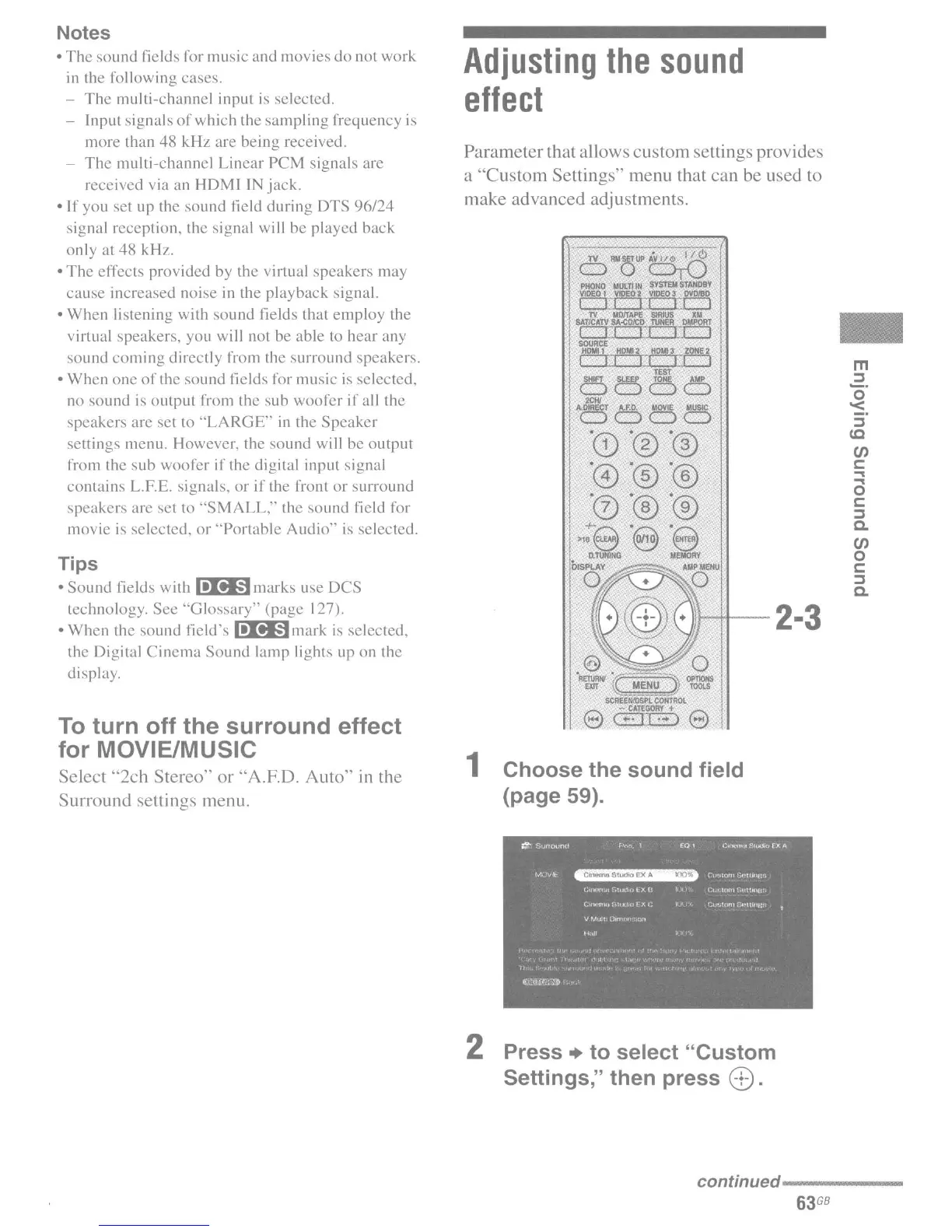
Parameter that allows custom settings provides
a "Custom Settings" menu that can be used to
make advanced adjustments.
..
m
2.
o
'<
::::l
(Q
en
c:
...
(3
c:
::::l
Co
en
o
c:
::::l
Co
III---H--
2.3
1 Choose the sound field
(page 59).
2 Press
..
to select "Custom
Settings," then press
8.
continued------
63
GB

















 To Next Page