100 (GB) Adjustments
Fine Adjustment for Each Input Signal
Adjustments
Resetting the data
1 Select the adjustment mode to be reset.
2 Press the RESET key.
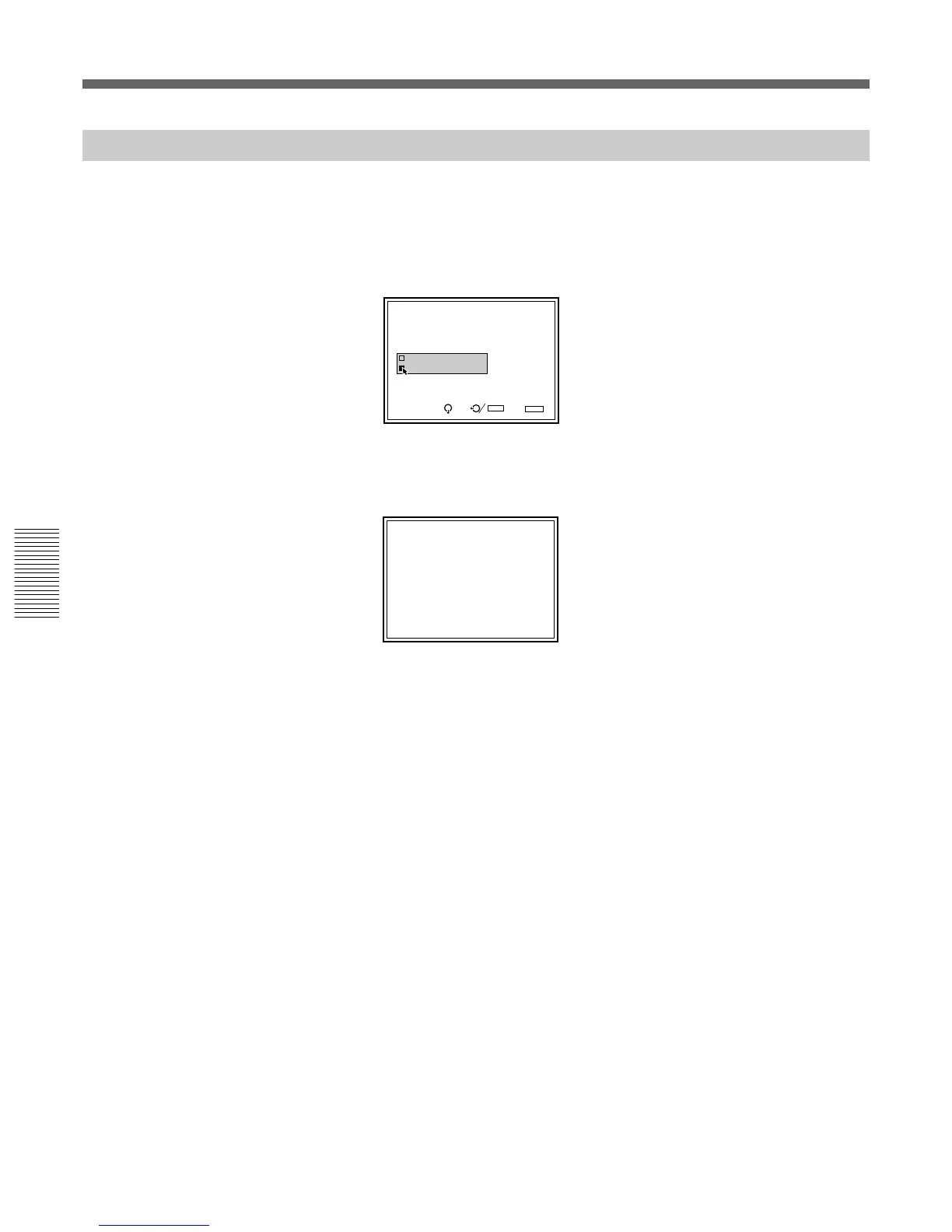
The following display appears. (Example: To reset the red registration
data to the factory preset data)
3 Press the V or v key to select the reset mode, then press the ENTER
key.
To cancel reset mode, press the NORMAL key.
All red registration adjustment data will be reset to the factory preset
data.
RESET complete!
REGISTRATION RED
DATA RESET MODE
Service Data
Factory Data
SEL: SET:
ENTER
EXIT: NORMAL
Resetting the Data



 To Next Page