Others 103 (GB)
Others
Others
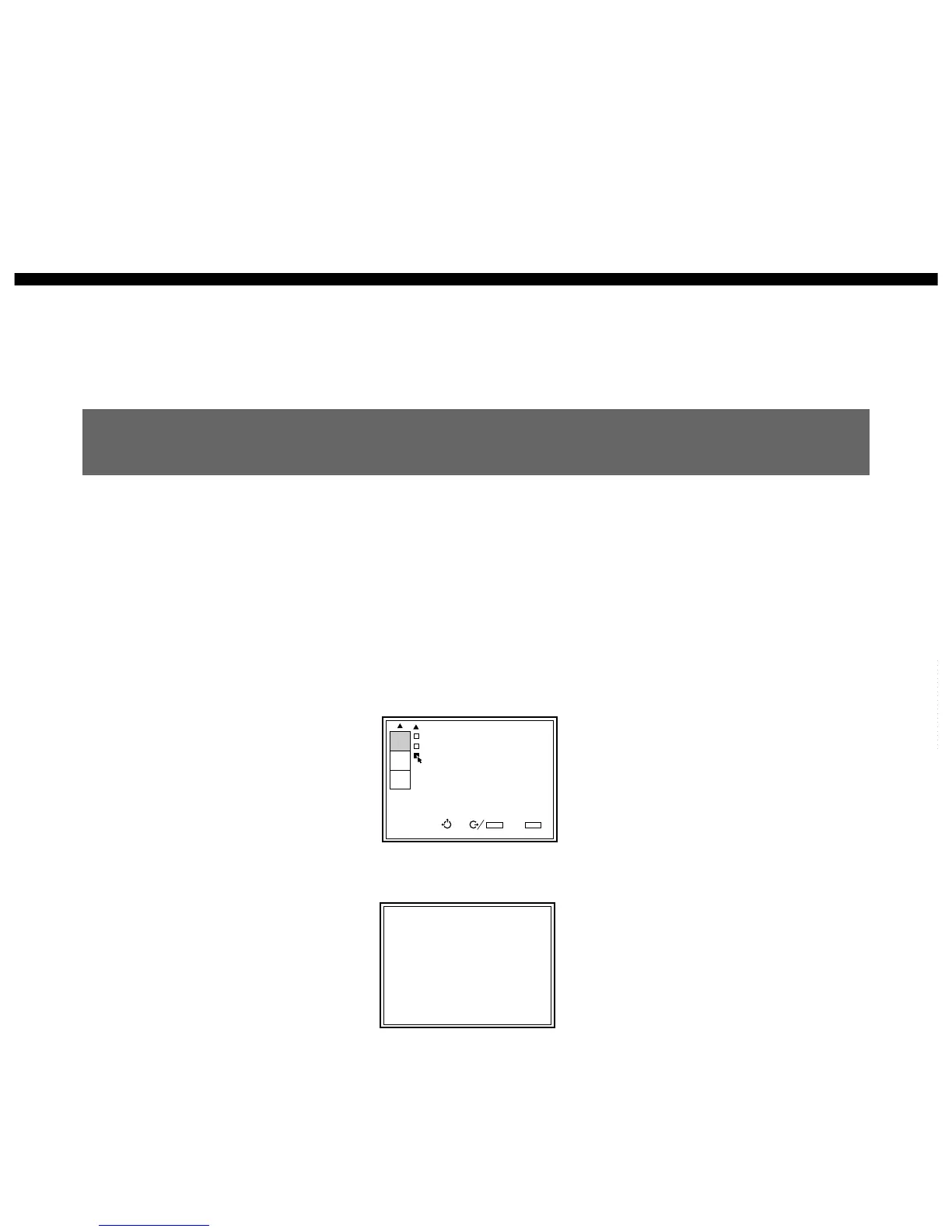
Changing the Initialization Period
You can set the desired warm up time for the projector in 1 minute
increments.
1 Set the remote control to the service adjustment mode.
For details, see “For Remote Control” on page 35 (GB).
2 Press the MENU key, select SERVICE SETTING by pressing the v or
V key, and press the ENTER key.
The SERVICE SETTING menu appears.
3 Press the v or V key to select ALL WHITE MODE (Page 2), then press
the ENTER key.
4 Press the V, v, B or b key to set the desired period.
You can set it to 0–99 minutes.
5 Press the MEMORY key to save the setting.
To cancel the setting
Press the MENU key in step 3.
To set the projector so that the input signal from the connected
equipment appears on the screen immediately after the power
is turned on
Set the initialization period to “0” in step 4.
INPUT-A
POWER ON DELAY:OFF
PIC ORBITING:OFF
ALL WHITE MODE:
20min
SERVICE
SETTING
SET
INFO.
ABL
LINK
SEL: SET:
ENTER
EXIT: MENU
S
ALL WHITE MODE:20min



 To Next Page