50 (GB) Before adjustment
Before adjustment
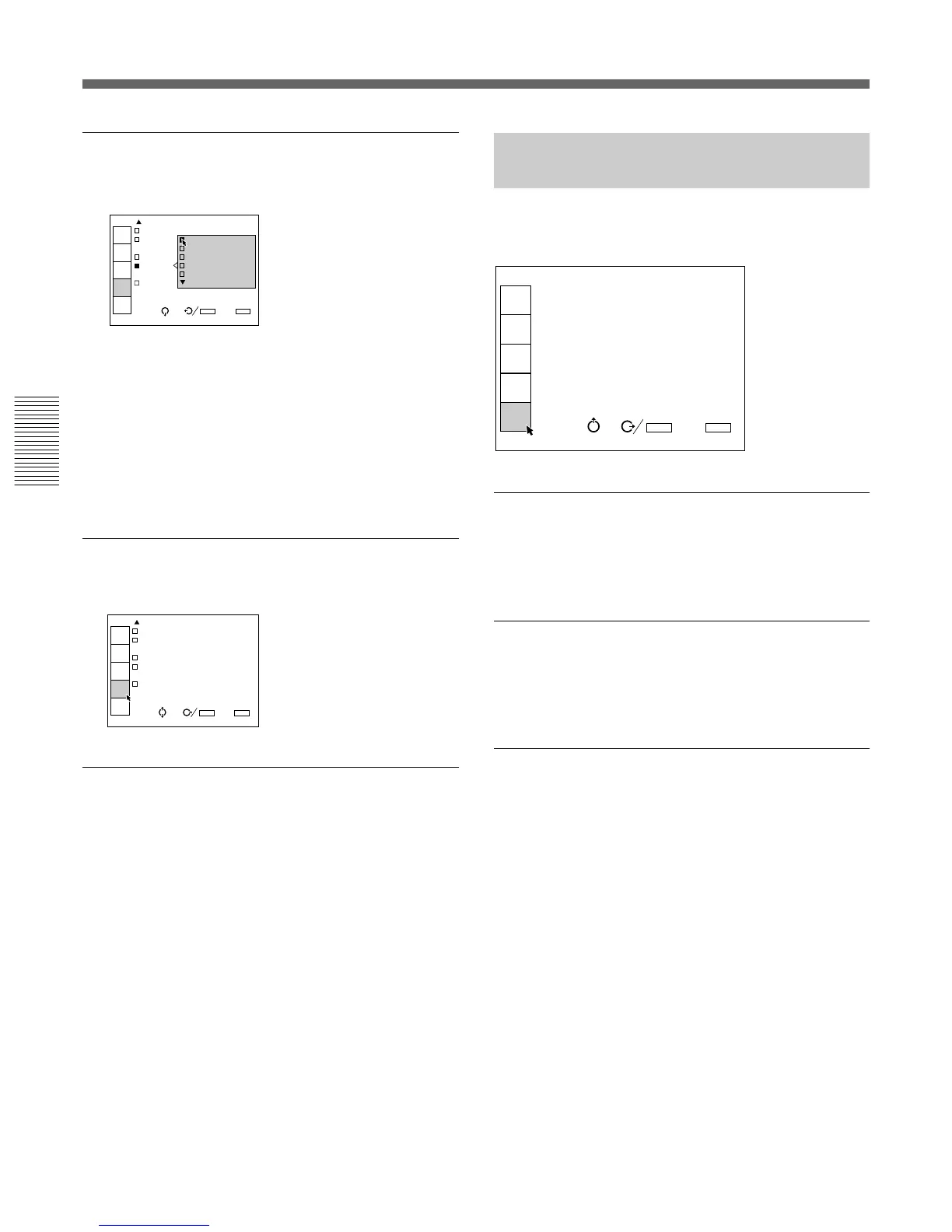
PATTERN
Selects the type of the test pattern to be displayed.
Selectable patterns are: CROSS HAIR, HATCH (9 ×
9), HATCH (17 × 17), DOT (9 × 9), H, H INV
(inverse), ME, ME INV (inverse), ALL WHITE,
WINDOW, WINDOW&LINE and COLOR BAR
(service adjustment mode).
Set to OFF when you do not want to display a test
pattern.
For displaying the test patterns, see “Test Patterns” on page
56 (GB).
INDEX (Index number)
The index number of this projector is set to 01.
5BNC MODE
This menu does not function with this projector.
INPUT-A
SCREEN SEL:1
SIRCS RECEIVER:
FRONT&REAR
POWER SAVING:OFF
PATTERN:OFF
INDEX:01
5BNC MODE:OFF
INPUT
SELECT
PIC
CTRL
INPUT
SETTING
SET
SETTING
INPUT
INFO.
SEL: SET:
ENTER
EXIT: MENU
INPUT-A
SCRE
SIRC OFF
CROSS HAIR
POWER HATCH(9X9)
PATTE HATCH(17X17)
INDEX DOT(9X9)
5BNC
INPUT
SELECT
PIC
CTRL
INPUT
SETTING
SET
SETTING
INPUT
INFO.
SEL: SET:
ENTER
EXIT: MENU
Using the MENU
The INPUT INFO. (Information)
Menu
The INPUT INFO. menu displays the information on
the current input signal.
fH (Horizontal frequency)
Indicates the horizontal frequency of the input signal.
This indication is not an absolute value, but is only
used as a reference.
fV (Vertical frequency)
Indicates the vertical frequency of the input signal.
This indication is not an absolute value, but is only
used as a reference.
H/C (Horizontal/Composite)-SYNC
Indicates the polarity of the horizontal or composite
sync signal. When the picture is being projected using
this type of sync signal, the POS (NEG) is displayed in
green. When the picture is being projected without
using this type of sync signal, the POS (NEG) is
displayed in white.
POS: The polarity of the sync signal is positive.
NEG: The polarity of the sync signal is negative.
– – –: No sync signal is input.
INPUT-A
fH: 31.4KHz
fV: 59.9Hz
H/C-SYNC:POS
V-SYNC:POS
SonG:NEG
INPUT SIGNAL:RGB
INPUT MEMORY No.02
No.11
INPUT
SELECT
PIC
CTRL
INPUT
SETTING
SET
SETTING
INPUT
INFO.
SEL:
SET:
ENTER
EXIT: MENU
n



 To Next Page