88 (GB) Adjustments
Adjusting the Registration
Adjustments
Saving the Standard Registration Data
After adjusting all the registrations for the green, red and blue signals, save
the adjustment data as the standard data for the projector.
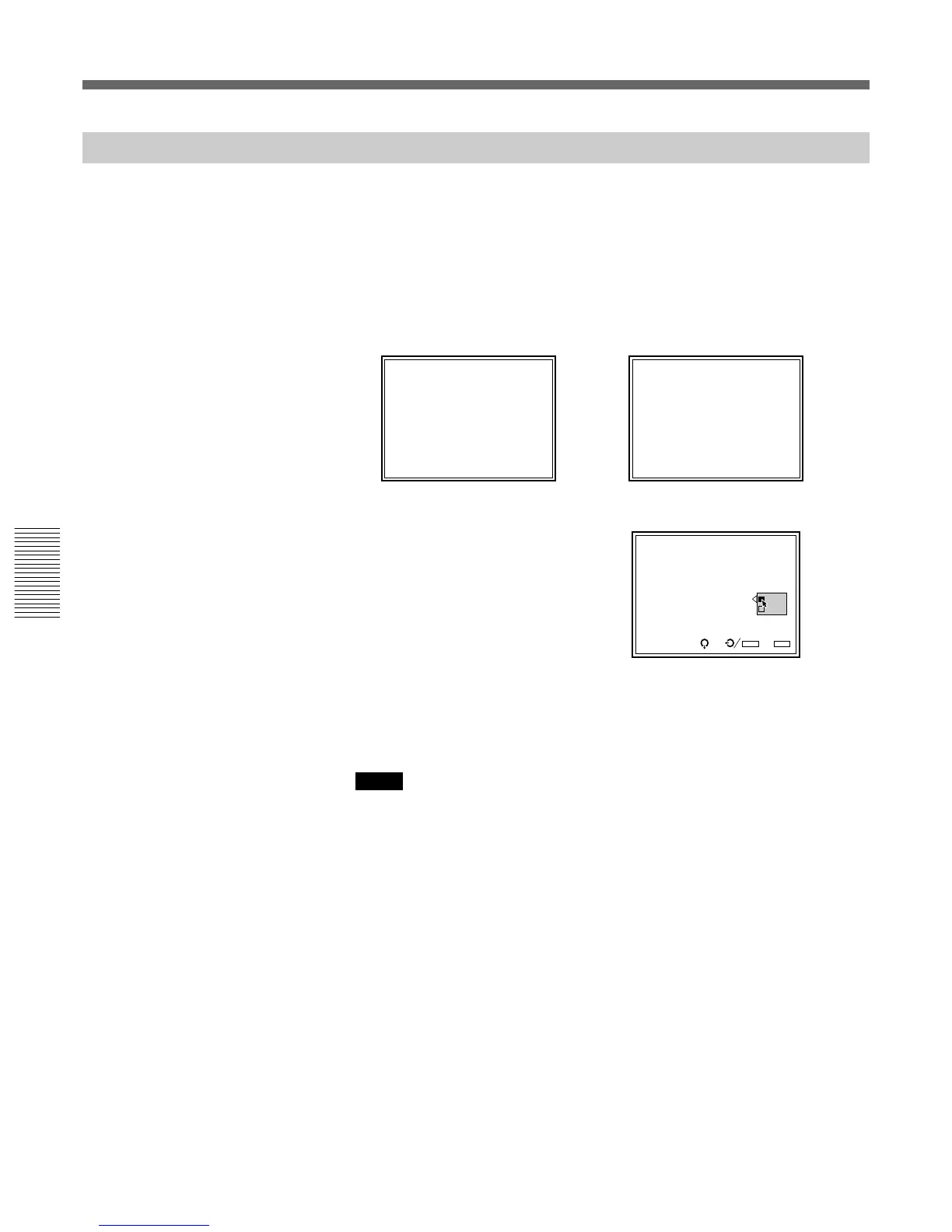
1 Hold down the MEMORY key for more than 5 seconds.
The adjustment data is saved in the memory as the data for the
frequency selected in INT. OSC PATTERN of the SERVICE
SETTING menu, and the projector enters the standard data saving
mode.
/
2 Press the v or V key to select YES, then press the ENTER key.
All the registration data will be converted into internal signal data and
are saved as standard data.
Notes
• No keys function while the data is being saved.
• If the adjustment data is saved as the standard data, the registration data stored
in INPUT MEMORY will be converted into the standard data.



 To Next Page