The SET INFO. (information)
Menu
The SET INFO. menu displays the information on the
projector such as the serial number, a ROM version,
the use time of the projector.
SER. (serial) No.
Indicates the serial number of the projector.
ROM VER. (version)
Indicates the ROM version (M, S1, S2 and S3) used
for the projector.
TIMER
Indicates the use time of the projector and that of each
CRT.
OPERATION TIMER: Indicates the total use time
of the projector.
CRT TIMER: Indicates the use time of the red,
green and blue CRTs, respectively.
INPUT-A
SER.No.:XXXXXXX
ROM VER.
M: 1.00 S1:1.00
S2:1.00 S3:1.00
TIMER
SERVICE
SETTING
SET
INFO.
ABL
LINK
SEL: SET:
ENTER
EXIT: MENU
S
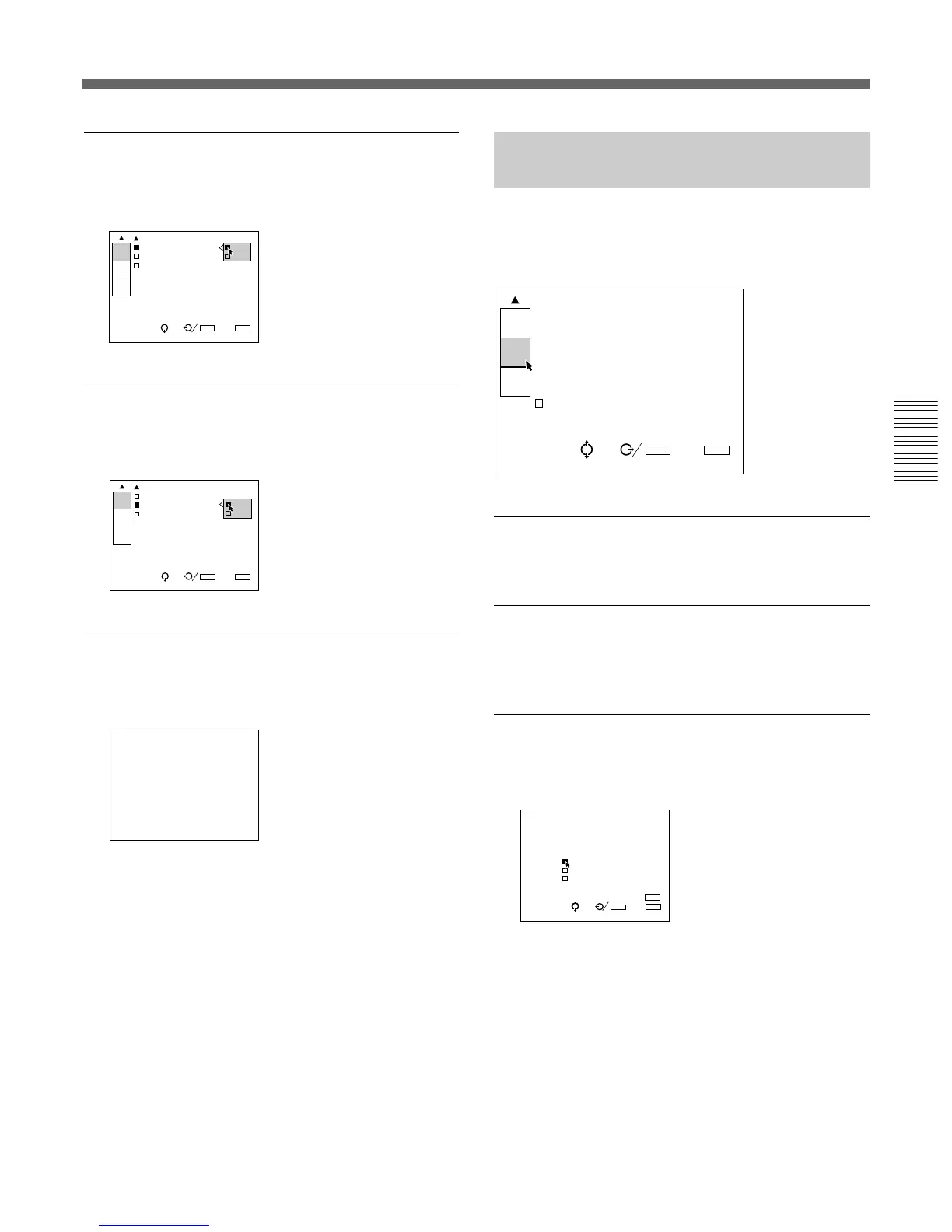
POWER ON DELAY
When connecting multiple projectors, set to ON to
turn on the projectors sequencially one by one.
PIC. (picture) ORBITING
Set to ON to activate the function which shifts the
picture slightly to reduce CRT burn.
ALL WHITE MODE
Sets the duration of all white mode during a warm-up
period.
Use the V, v, B or b key to set the duration in 1
minute increments from 0 to 99 minutes.
To set the projector to display the picture immediately
after the projector is turned on, set the duration to “0
min.”
For details, see “Changing the Initialization Period” on
page 103 (GB).
I
POWER ON DELA ON
PIC.ORBITING: OFF
ALL WHITE MOD
20min
SEL: SET:
ENTER
EXIT: MENU
S
SERVICE
SETTING
SET
INFO.
ABL
LINK
INPUT-A
POWER ON DELA
PIC.ORBITING: ON
ALL WHITE MOD OFF
20min
SEL: SET:
ENTER
EXIT: MENU
S
SERVICE
SETTING
SET
INFO.
ABL
LINK
ALL WHITE MODE:20mln



 To Next Page