52 (GB) Before adjustment
Before adjustment
IN
INT.OSC PATTER P0
INT.OSC MODE:O P1
DIRECT POWER O P2
RS-422A:38.4K
fH=15.7KHz
fV=60Hz
SERVICE
SETTING
SET
INFO.
UNI
FORMITY
ABL
LINK
SEL: SET:
ENTER
EXIT: MENU
S
INPUT-A
INT.OSC PATTERN:P1
INT.OSC MODE:OFF
DIRECT POWER ON:OFF
RS-422A: 38.4K
19.2K
9600
4800
SEL: SET:
ENTER
EXIT: MENU
S
SERVICE
SETTING
SET
INFO.
ABL
LINK
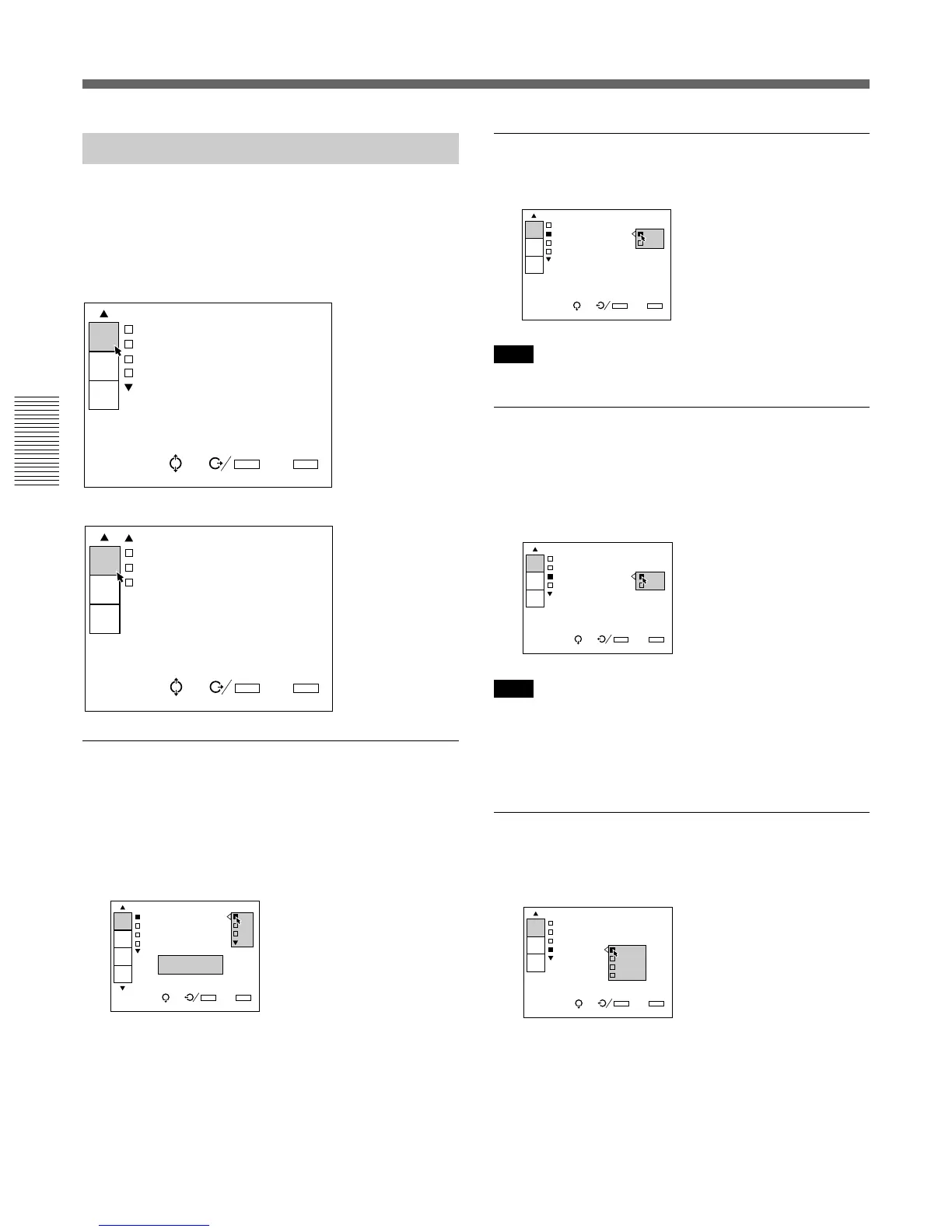
The SERVICE SETTING Menu
The SERVICE SETTING menu is used for
adjustments performed in service adjustment mode.
“S” appears at the top left corner of the menu,
indicating service adjustment mode.
Page 1
Page 2
INT. (internal) OSC (oscillation) PATTERN
Selects the oscillation frequency pattern generated
with the internal oscillator.
The horizontal and vertical frequencies for the selected
pattern are displayed in the pop-up menu on the
screen.
P0: fH = 15.7 kHz, fV = 60 Hz
P1: fH = 24.8 kHz, fV = 56 Hz
P2: fH = 31.5 kHz, fV = 60 Hz
P3: fH = 48.3 kHz, fV = 60 Hz
P4: fH = 64.0 kHz, fV = 60 Hz
INPUT-A
INT.OSC PATTERN:P2
INT.OSC MODE:OFF
DIRECT POWER ON:OFF
RS-422A:38.4K
SEL: SET:
ENTER
EXIT: MENU
S
SERVICE
SETTING
SET
INFO.
ABL
LINK
INPUT-A
POWER ON DELAY:OFF
PIC.ORBITING:OFF
ALL WHITE MODE:
20min
SEL: SET:
ENTER
EXIT: MENU
S
SERVICE
SETTING
SET
INFO.
ABL
LINK
SERVICE
SETTING
SET
INFO.
ABL
LINK
Using the MENU
INT. (internal) OSC (ocillation) MODE
Set to ON to activate the internal oscillator.
Note
When no signal is input, you cannot select this item.
DIRECT POWER ON
Set to ON to turn on the projector by pressing the
MAIN POWER switch on the projector. Set to OFF to
enter standby mode by pressing the MAIN POWER
switch.
Note
When the projector is in standby mode (it is turned off by
pressing the POWER OFF key on the remote control) with
DIRECT POWER ON set to ON, the projector will be
turned on automatically if the power interruption occured
and has been restored.
RS-422A
Sets the communication baud rate for the RS-422A
terminal to 38.4K, 19.2K, 9600 or 4800.
INPUT-A
INT.OSC PATTE
INT.OSC MODE: ON
DIRECT POWER OFF
RS-422A:38.4K
SEL: SET:
ENTER
EXIT: MENU
S
SERVICE
SETTING
SET
INFO.
ABL
LINK
INPUT-A
INT.OSC PATTERN:P1
INT.OSC MODE
DIRECT POWER ON
RS-422A:38.4 OFF
SEL: SET:
ENTER
EXIT: MENU
S
SERVICE
SETTING
SET
INFO.
ABL
LINK



 To Next Page