60 (GB) Adjustments
Adjusting the Focus
Adjustments
Adjusting the Green Focus
1 Adjusting the green lens focus
1 Remove the upper cover.
For how to remove the upper cover, see page 20 (GB).
2 Set the remote control to the service adjustment mode.
For details, see “Preparation” on page 35 (GB).
3 Press one of the INPUT SELECT keys on the remote control
corresponding to a line that is not connected to a signal.
Or, set the SWITCHER/INDEX select switch to SWITCHER, and then
press a number key from 1 to 8 corresponding to a line that is not
connected to a signal.
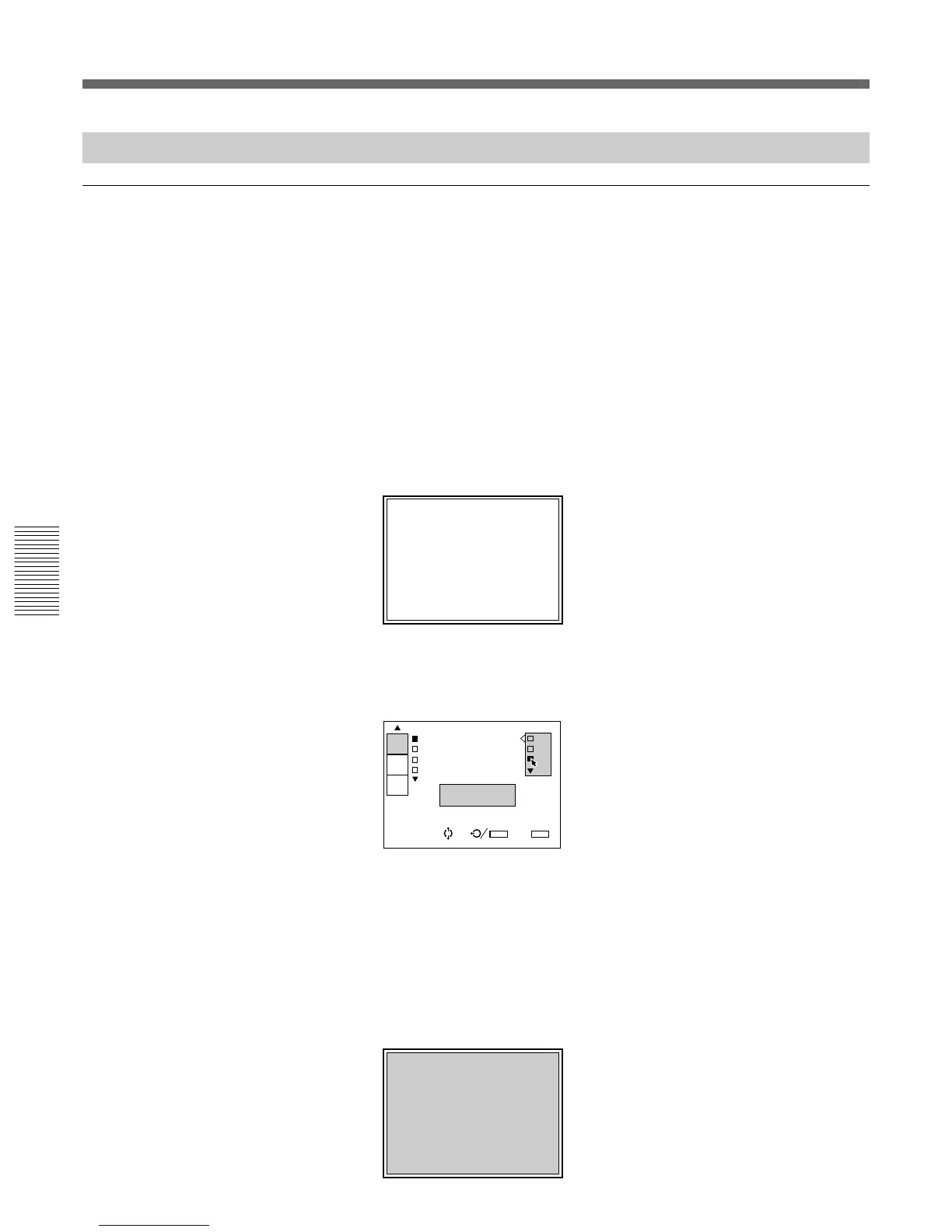
“NO INPUT” appears on the screen.
4 Display the SERVICE SETTING menu and set INT. OSC PATTERN
to P2 (fH = 31.5 kHz).
For details, see “The SERVICE SETTING Menu” on page 52 (GB).
5 Reset the centering adjustment data of the green signal.
For details, see “Resetting the Data” on page 99 (GB).
6 Press the NORMAL key on the remote control to turn off the test
pattern.
7 Press the PATTERN key on the remote control until the H-pattern
appears.
IN
INT.OSC PATTER P0
INT.OSC MODE:O P1
DIRECT POWER O P2
RS-422A:38.4K
fH=31.5KHz
fV=60Hz
SERVICE
SETTING
SET
INFO.
ABL
LINK
SEL: SET:
ENTER
EXIT: MENU
S
INPUT-A NO INPUT
H
H
H
H
H
H
H
H
H
H
H
H
H
H
H H
H
H
H
H
H
H
H
H
H
H
H
H
H
H
H H
H
H
H
H
H
H
H
H
H
H
H
H
H
H
H H
H
H
H
H
H
H
H
H
H
H
H
H
H
H
H H
H
H
H
H
H
H
H
H
H
H
H
H
H
H
H H
H
H
H
H
H
H
H
H
H
H
H
H
H
H
H H
H
H
H
H
H
H
H
H
H
H
H
H
H
H
H H
H
H
H
H
H
H
H
H
H
H
H
H
H
H
H H
H
H
H
H
H
H
H
H
H
H
H
H
H
H
H H
H
H
H
H
H
H
H
H
H
H
H
H
H
H
H H
H
H
H
H
H
H
H
H
H
H
H
H
H
H
H H
H
H
H
H
H
H
H
H
H
H
H
H
H
H
H H
H
H
H
H
H
H
H
H
H
H
H
H
H
H
H H
H
H
H
H
H
H
H
H
H
H
H
H
H
H
H H
H
H
H
H
H
H
H
H
H
H
H
H
H
H
H H
H
H
H
H
H
H
H
H
H
H
H
H
H
H
H H



 To Next Page