54 (GB) Before adjustment
Before adjustment
UT-A
ABL LINK: ON
SUB CONTR OFF
ABL LEVEL
SEL: SET:
ENTER
EXIT: MENU
SET
INFO.
ABL
LINK
SERVICE
SETTING
S
Using the MENU
The ABL (Automatic Brightness
Limiter) LINK Menu
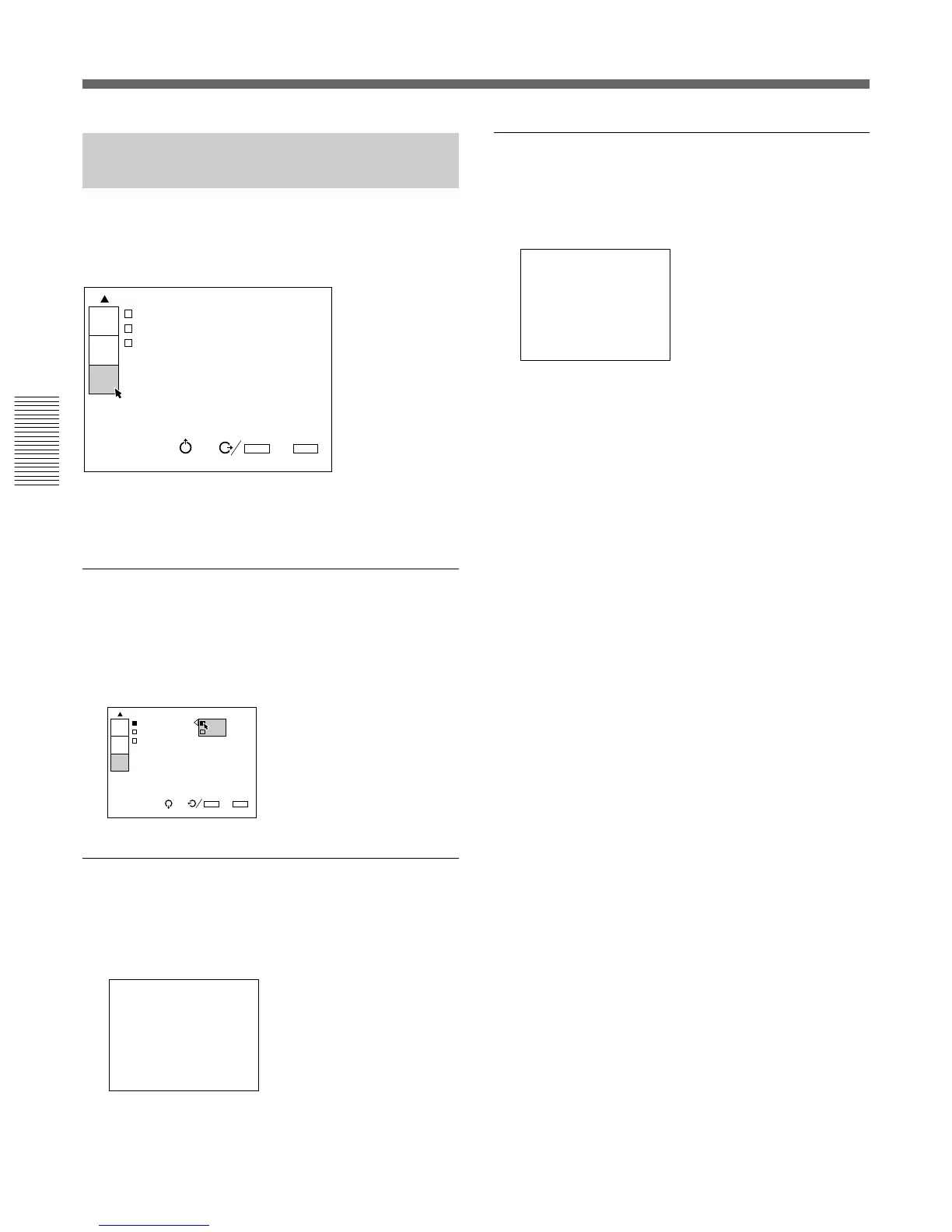
The ABL LINK menu is used for adjusting to make
the brightness of the multi-screen uniform when
connecting multiple projectors.
For details, see “Using the Linked ABL Function” on page
31 (GB).
ABL LINK
When set to ON, the ABL (Automatic Brightness
Limiter; to control the brightness of the picture when it
is too high) functions on all projectors once the ABL
functions on any projector.
SUB CONTRAST
When ABL LINK is set to ON, adjust the brightness of
each projector so that the brightness of all projectors
looks the same.
SUB CONTRAST: 0
INPUT-A
ABL LINK:ON
SUB CONTRAST: 0
ABL LEVEL ADJ: 0
ABL
LINK
SEL: SET:
ENTER
EXIT: MENU
S
SET
INFO.
SERVICE
SETTING
ABL LEVEL ADJ: 0
ABL LEVEL ADJ (adjust)
When ABL LINK is set to ON, adjust the brightness of
each projector so that the brightness of all projectors
looks the same.



 To Next Page