Installation
20 (GB) Installation
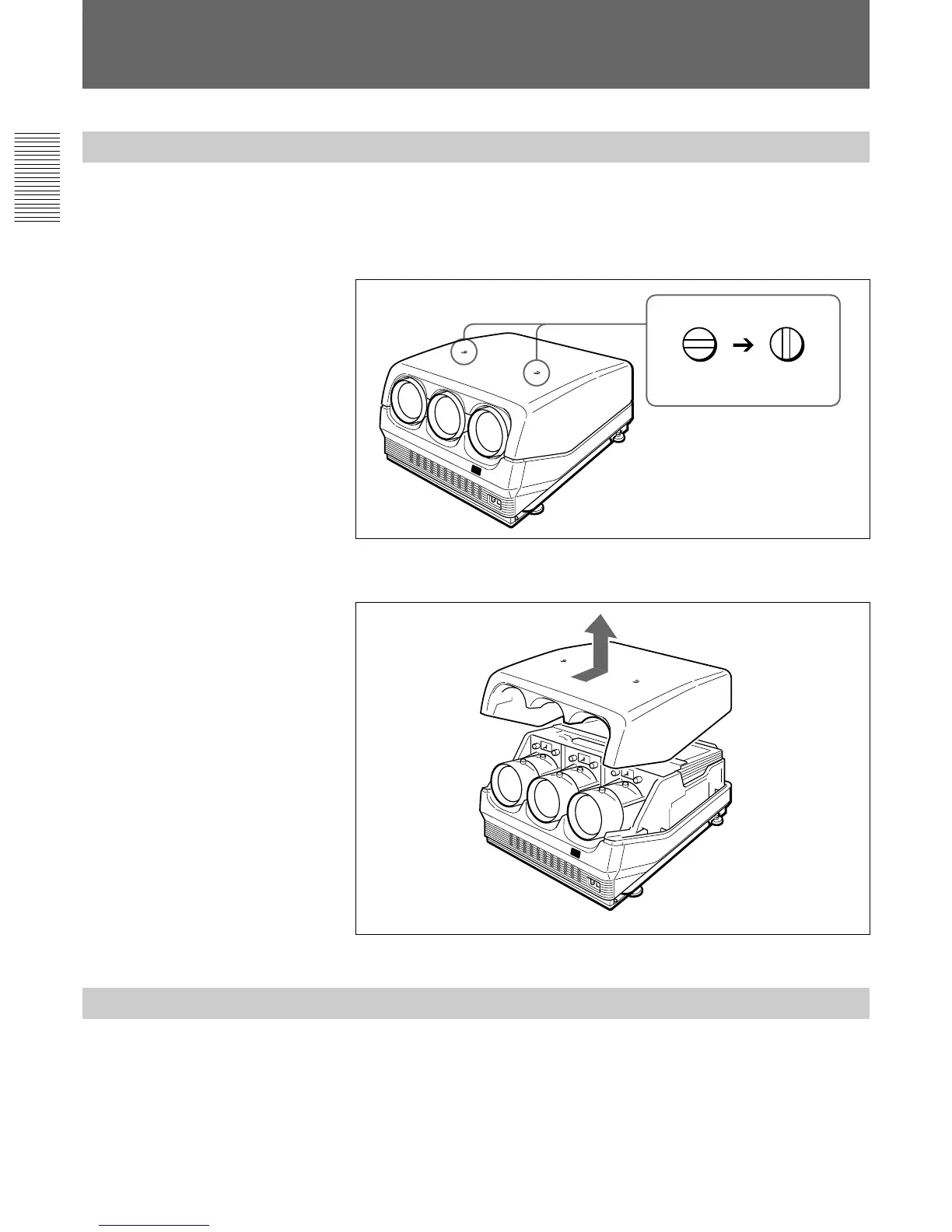
Removing the Upper Cover
1 Turn off the main power of the projector.
2 Unlock the two screws on the projector by using a screwdriver or a
coin edge, and then open the upper cover.
3 Slide the upper cover towards the rear and lift it to remove.
Changing the Polarity
The polarity of the projector is adjusted to use the projector for front
projection on the floor.
When the projector is installed on the ceiling or used in rear projection, it
is necessary to change the settings of the polarity switch and the polarity
connectors.
Modifying Parts
Locked Unlocked



 To Next Page