Connections 27 (GB)
Connections
Depending on the connections of the computer and color monitor to the
projector, it may be necessary to switch the 75-ohm terminate connectors
on the A board and the sync 75-ohm terminate connectors and sync
separate connector on the QB board at the rear of the projector.
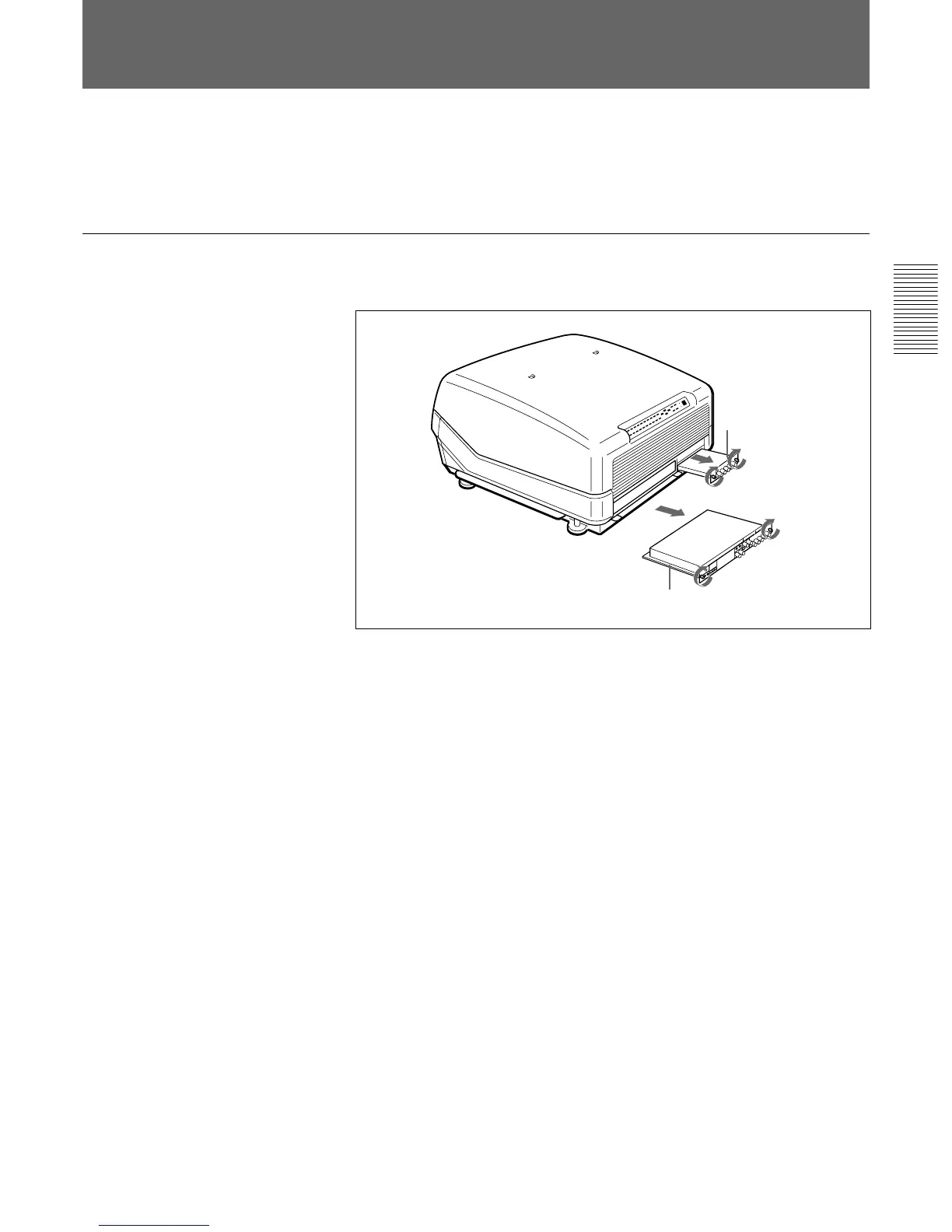
Removing the A Board
1 Loosen the two screws on each board at the rear of the projector to
remove the connector panel.
2 Switch the connectors on the A board and the QB board.
For details, see pages 28 (GB) and 29 (GB).
3 Replace the A board by reversing step 1.
Switching the Connectors
A board
QB board



 To Next Page