96 (GB) Adjustments
Fine Adjustment for Each Input Signal
Adjustments
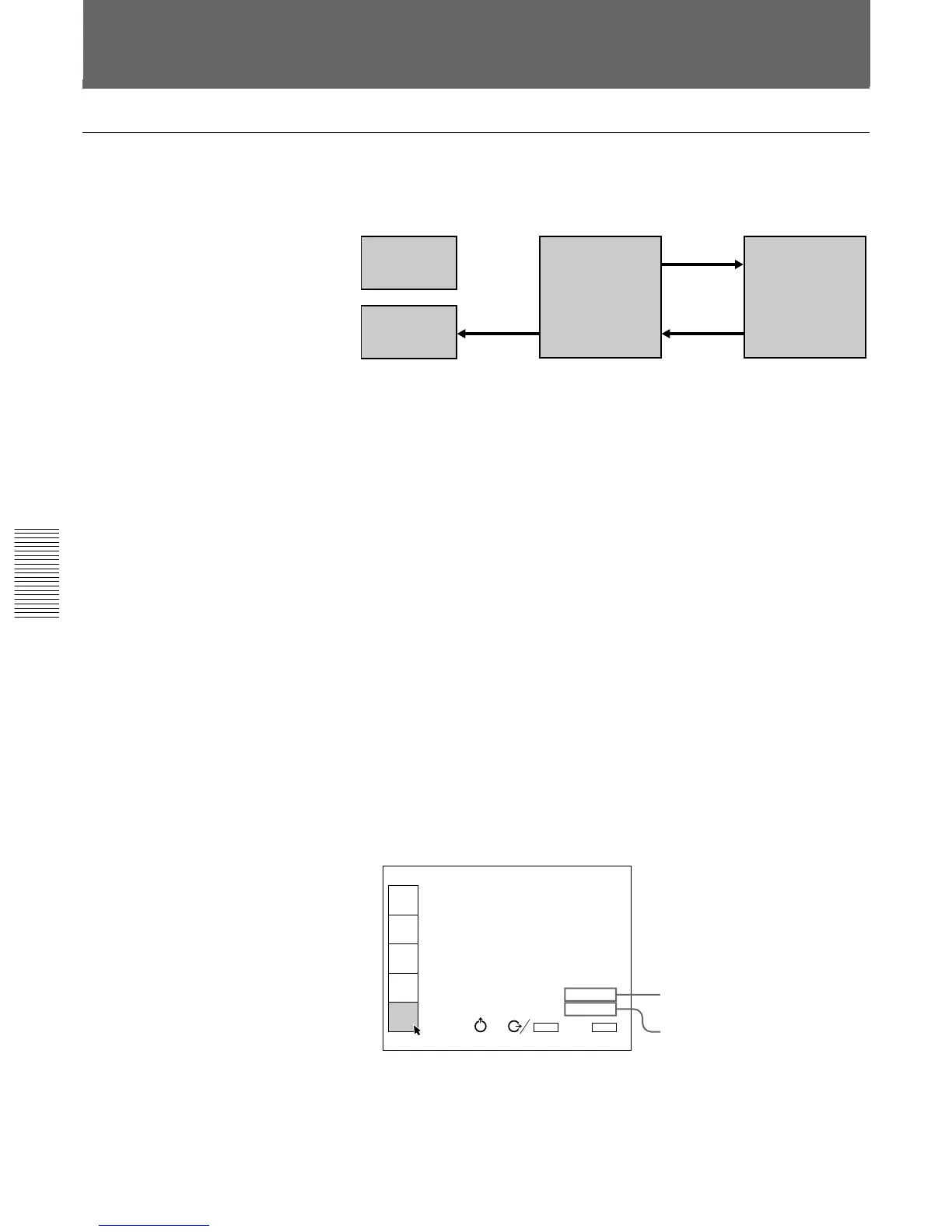
Memory structure
The memory structure of this projector consists of three memory blocks
and a normal adjustment data block.
Factory data block: The seven basic adjustment data for different types of
signals shown in the table on page 97 (GB) are preset at the factory.
The adjustment data in this block connot be changed.
Service data block: The seven basic adjustment data for different types of
signals shown in the table on page 97 (GB) are preset at the factory.
The data saved in the user data block can be saved as the service data.
User data block: The seven basic adjustment data for different types of
signals shown in the table on page 97 (GB) are preset at the factory.
When a new signal is input, the data that has the nearest frequency is
automatically selected from among the seven basic data and the
existing data saved as input memory and loaded. If any of the data for
the signal is adjusted, the data is saved as an input memory in one of
the memory numbers 00 to 49. (If no data is adjusted, it is not saved.)
The adjustment data for each input signal, if any one of the signal input
conditions—vertical or horizontal frequency, type of sync signal, type
of input signal and input connector—is different, is saved in different
memory number as an individual input memory.
The memory number of the loaded data and that of the saved data are
displayed as ”INPUT MEMORY No.” on the INPUT INFO menu.
If the same signal has already been input, the same memory number
appears on two rows.
Normal adjustment data block: The data during adjustment is
temporarily saved in this block. When you press the ENTER or
MEMORY key after adjustment, the adjustment data is stored in the
user data block.
Saving the Adjustment Data
Load
Save
Save as the
service
data.
User data block
Factory data
block
Service data
block
Normal
adjustment data
block
INPUT-A
fH: 31.4KHz
fV: 59.9Hz
H/C-SYNC:POS
V-SYNC:POS
SonG:NEG
INPUT SIGNAL:RGB
INPUT MEMORY No.02
No.11
INPUT
SELECT
PIC
CTRL
INPUT
SETTING
SET
SETTING
INPUT
INFO.
SEL:
SET:
ENTER
EXIT: MENU
n
Memory number of the loaded data
Memory number of the saved data



 To Next Page