36 (GB) Before adjustment
Before adjustment
Do you wish to enter
into the SERVICE
CONTROL MODE?
YES
NO
SEL: SET: ENTER
EXIT: MENU
6 Press the keys in the following order:
ENTER n ENTER n V n v n ENTER
The following display appears.
7 Press the V or v key to select YES, then press the ENTER key.
The protection on the adjustment keys is removed and the service
adjustment keys are enabled (service adjustment mode).
After the adjustment, reactivate the protection.
For details, see “Protecting the Setting” on page 101 (GB).
Notes for wireless remote control operation
• Be sure that there are no obstructions between the remote control and the
projector.
• Operating range is limited. The shorter the distance between the remote control
and the projector, the wider the angle in which the remote control can control
the projector.
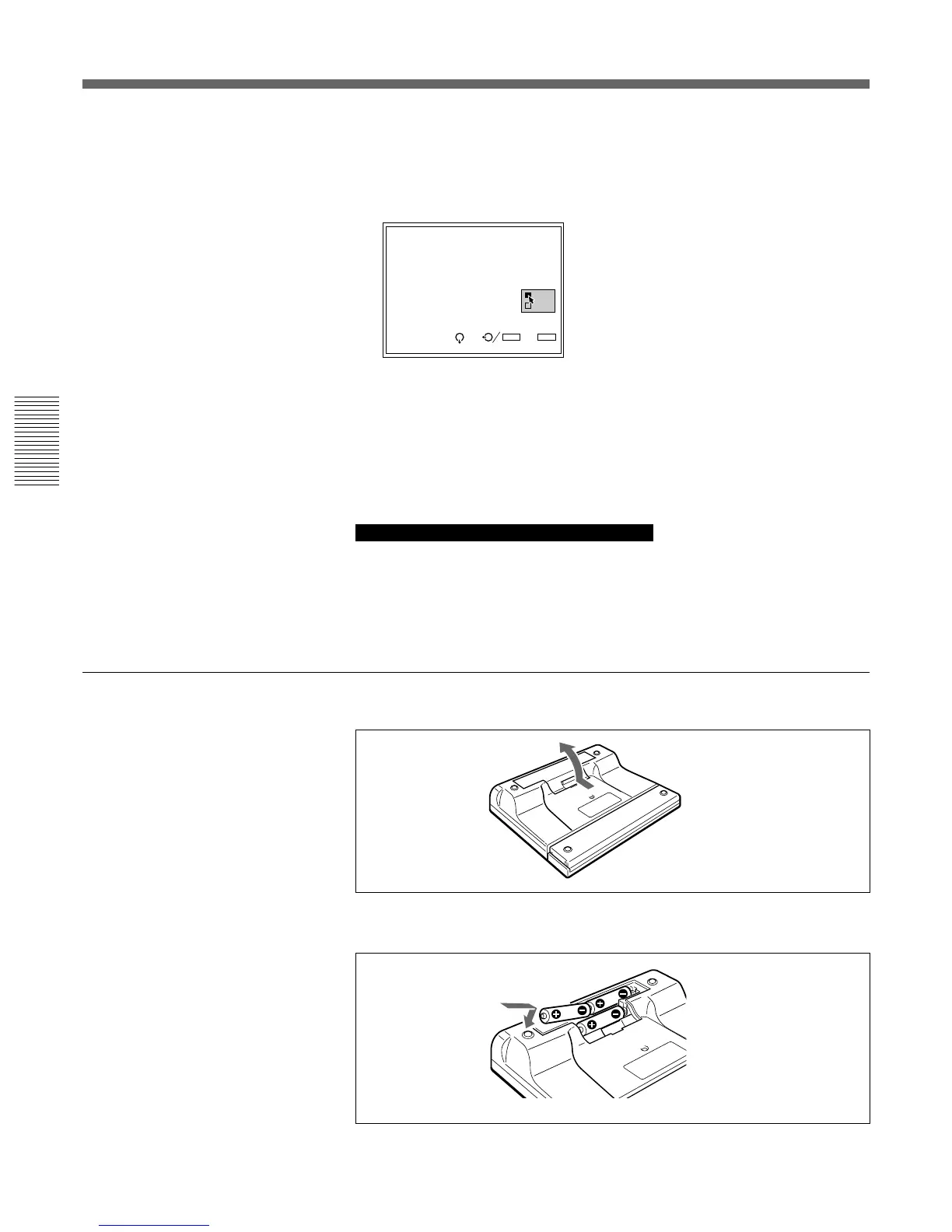
Battery installation
1 Push to open the lid.
2 Install three size AA (R6) batteries (supplied) with the correct polarity.
3 Replace the lid.
For Remote Control RM-PJ1001



 To Next Page