44 (GB) Before adjustment
Before adjustment
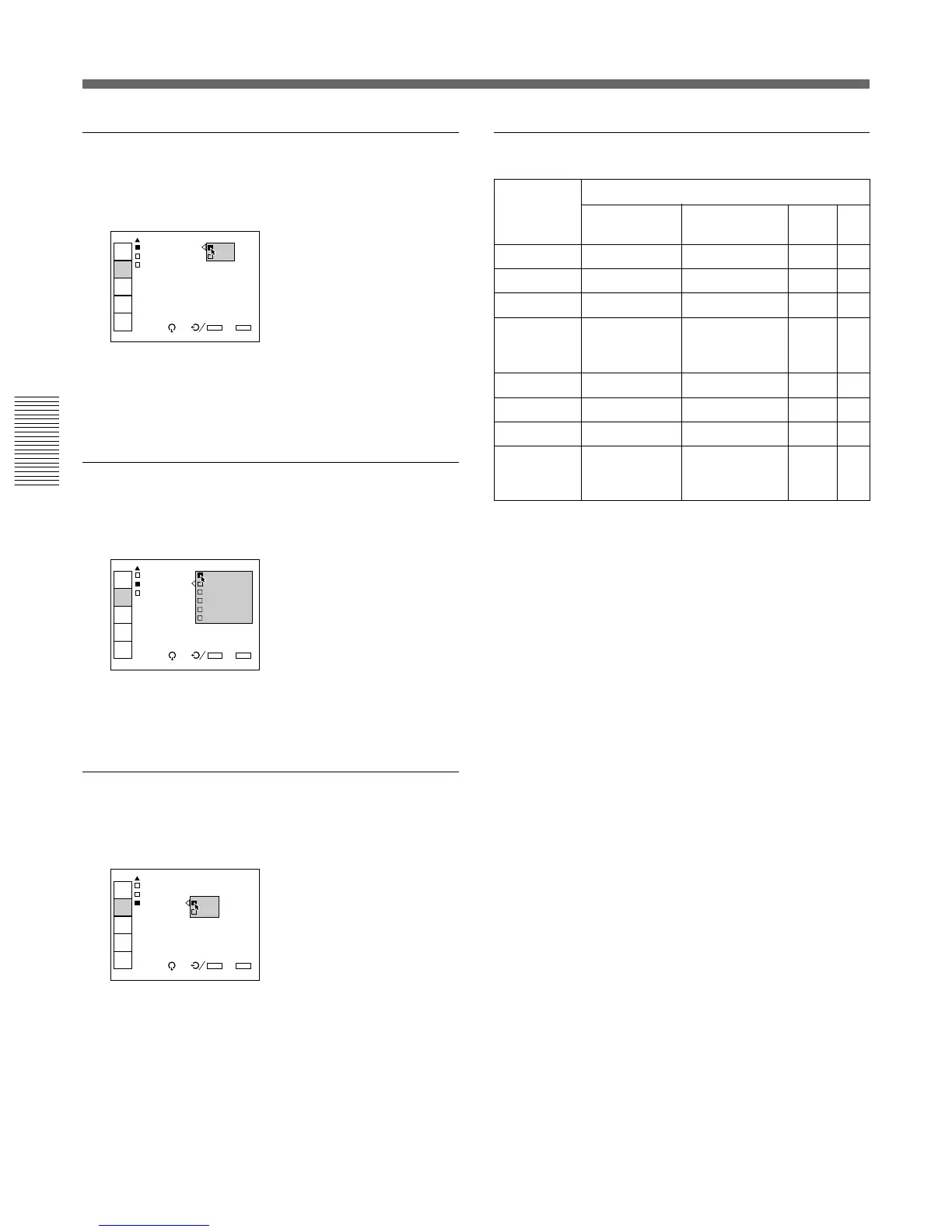
D. (Dynamic) PICTURE
Emphasizes the black of the composite video, S video
(Y/C) or component signal.
ON: Emphasizes the black to produce a bolder
“dynamic” picture.
OFF: Reproduces the dark portions of the picture
accurately, in accordance with the source signal.
COLOR SYS (System)
Selects the color system of the composite video or S
video (Y/C) signal.
Normally, set to AUTO.
If the picture is distorted or colorless, select the color
system according to the input signal.
SET UP
Changes the set up level (standard black level) to 0
IRE or 7.5 IRE according to the NTSC source signal.
0 IRE: Normally, set to this position.
7.5 IRE: Set to this position when the black color is
too light.
Input signals and adjustable/setting items
Input signal
Item
CONTRAST
BRIGHT
COLOR
HUE
SHARP
D. PICTURE
COLOR SYS
SET UP
Y: Adjustable/can be set
N: Not adjustable/cannot be set
INPUT
SELECT
PIC
CTRL
INPUT
SETTING
SET
SETTING
INPUT
INFO.
SEL: SET:
ENTER
EXIT: MENU
VIDEO
D.PICTURE: ON
COLOR SYS: OFF
SET UP:0
INPUT
SELECT
PIC
CTRL
INPUT
SETTING
SET
SETTING
INPUT
INFO.
SEL: SET:
ENTER
EXIT: MENU
VIDEO
D.PICTUR AUTO
COLOR SY NTSC3.58
SET UP:0 PAL
SECAM
NTSC4.43
PAL-M
INPUT
SELECT
PIC
CTRL
INPUT
SETTING
SET
SETTING
INPUT
INFO.
SEL: SET:
ENTER
EXIT: MENU
VIDEO
D.PICTURE:OFF
COLOR S O
SET UP: 0
7.5
Component
Y
Y
Y
N
Y
Y
N
N
RGB
Y
Y
N
N
N
N
N
N
HDTV
Y
Y
Y
Y
Y
N
N
N
Video or
S video (Y/C)
Y
Y
Y
Y (NTSC
3.58
/
NTSC
4.43
system only)
Y
Y
Y
Y (NTSC
3.58
/
NTSC
4.43
system only)
Using the MENU



 To Next Page