Before adjustment 47 (GB)
Before adjustment
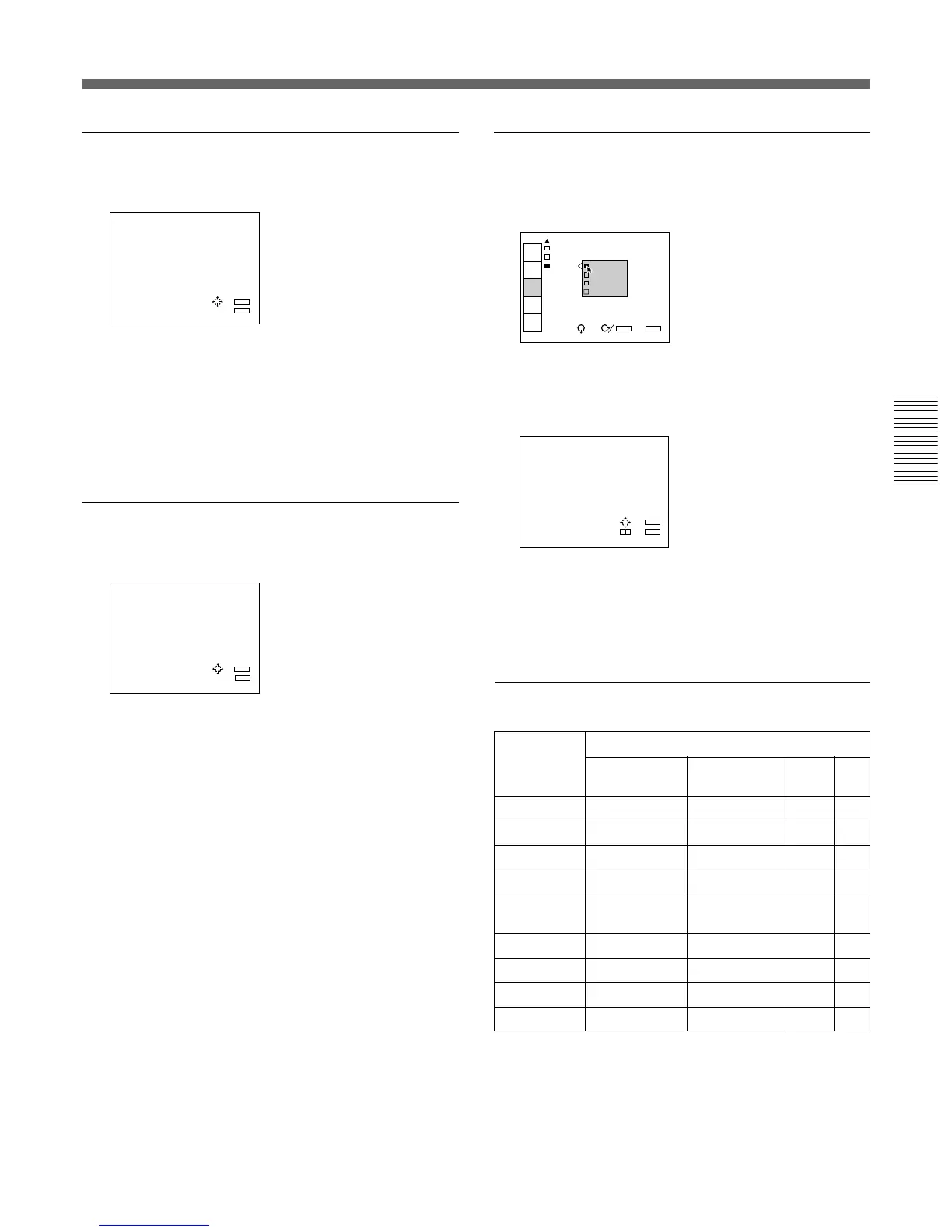
RGB SIZE
Adjusts the picture size of the input signal.
Use the B or b key to adjust the horizontal size.
Use the V or v key to adjust the vertical size.
Hc and Hf show the size adjustment levels for the
horizontal direction and Vc and Vf show those for the
vertical direction. The higher the setting level, the
greater the picture size.
RGB SHIFT
Adjusts the picture position of the input signal.
Use the B or b key to adjust the horizontal position.
Use the V or v key to adjust the vertical position.
Hc and Hf show the shift adjustment levels for the
horizontal direction and V shows the level for the
vertical direction.
BLKG (Blanking)
Cuts off the excess parts if the displayed picture is
larger than the screen.
Select the part to be adjusted among TOP, BOTTOM,
LEFT and RIGHT, then press the b key or the ENTER
key to display the blanking adjustment screen.
Use the V or v key to adjust the TOP and BOTTOM
parts.
Use the B or b key to adjust the LEFT and RIGHT
parts.
RGB SHIFT ADJ
V SHIFT:
WIDE
Hc:128
Hf:128
V :128
ADJ:
SET:
ENTER
EXIT: MENU



 To Next Page