8 User manual 208898
3. Taking an Exposure CRANEX Novus e
NOTE:
If the no connection symbol (X) appears next to
the unit status indictor, it indicates that there is
no connection between the unit and the PC. See
section 6. Troubleshooting and Maintenance
for more information.
4. PC: Press the device icon to reserve the unit
and enable image capture.
NOTE:
If a message appears stating that the unit is in
use, it indicates that the unit has been reserved
by another user. Wait until the unit is free.
INFORMATION:
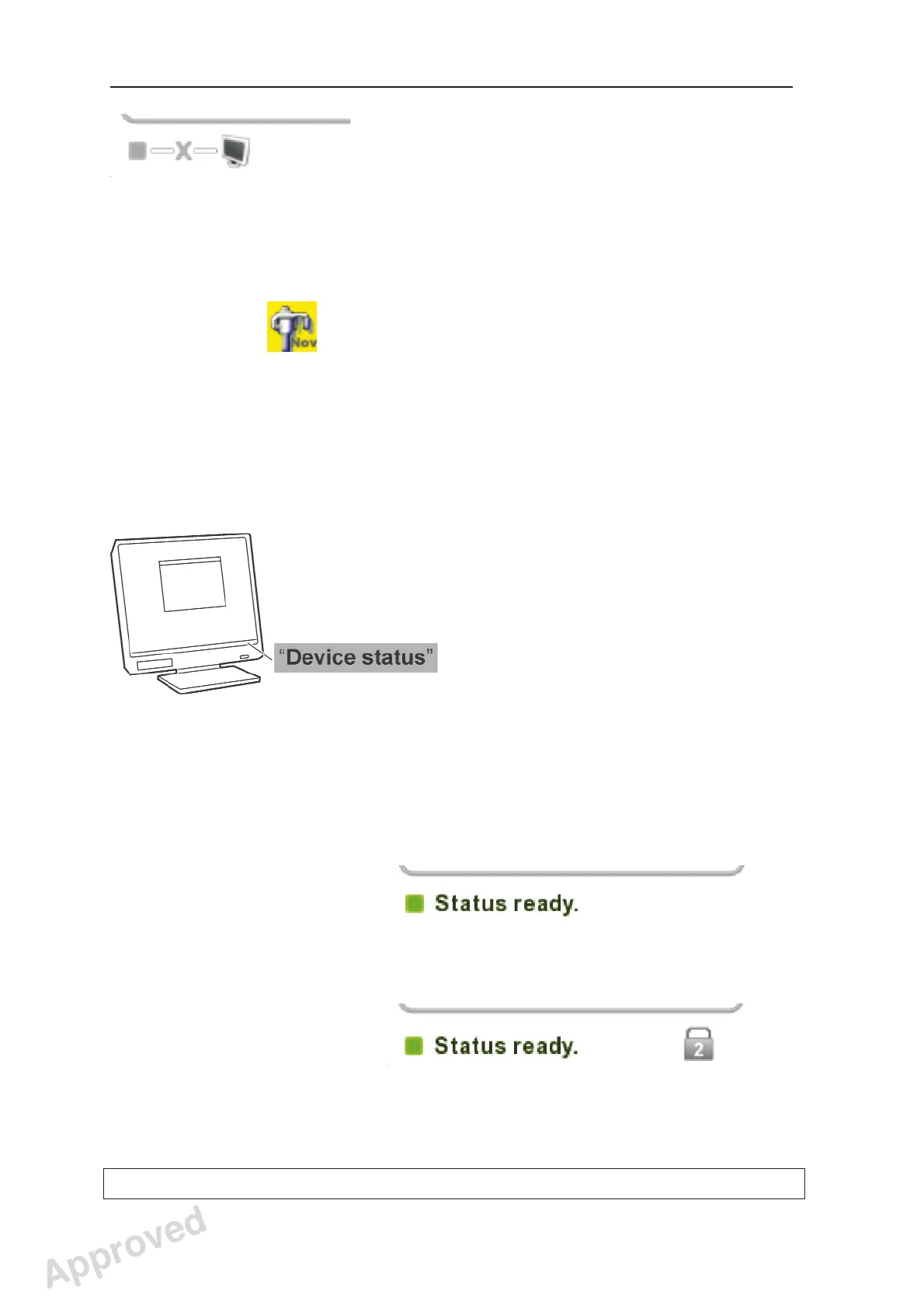
The status of the unit: available, ready or busy,
can be seen in the status fi eld at the bottom of
the PC display.
5. When the unit status indicator turns GREEN and
the text Status ready appears, the unit is ready
to take an exposure.
Single user:
Multiple users:
Approved: Ukkonen Juha-Pekka 2015-03-13 13:08
Reviewed: Savinen Antti Juhani 2015-03-12 11:32
Approved
See PDM system to determine the status of this document. Printed out: 2016-01-27 12:19:26
D508980, 4
Copyright © 2015 by PaloDEx Group Oy. All rights reserved.



 To Next Page