CRANEX Novus e 3. Taking an Exposure
User manual 208898 7
3. Using the Unit
IMPORTANT NOTE:
If the unit is being used for the fi rst time or if you are
using the unit for the fi rst time check that it is set up
to your requirements. See section 5. Unit Setup.
3.1 Preparing the Unit
The preparation steps below are for SCANORA
and
DIGORA for Windows softwares. If you are using
some other dental imaging software, refer to the
documentation that is supplied with it.
SCANORA software
1. PC: Switch on the PC that is connected to the
unit.
2. PC: Open SCANORA software and then open a
patient card.
3. Switch the unit on. The on/off switch is at the
rear of the column near the base.
The unit display will come on and the unit will
carry out a self test (Starting up).
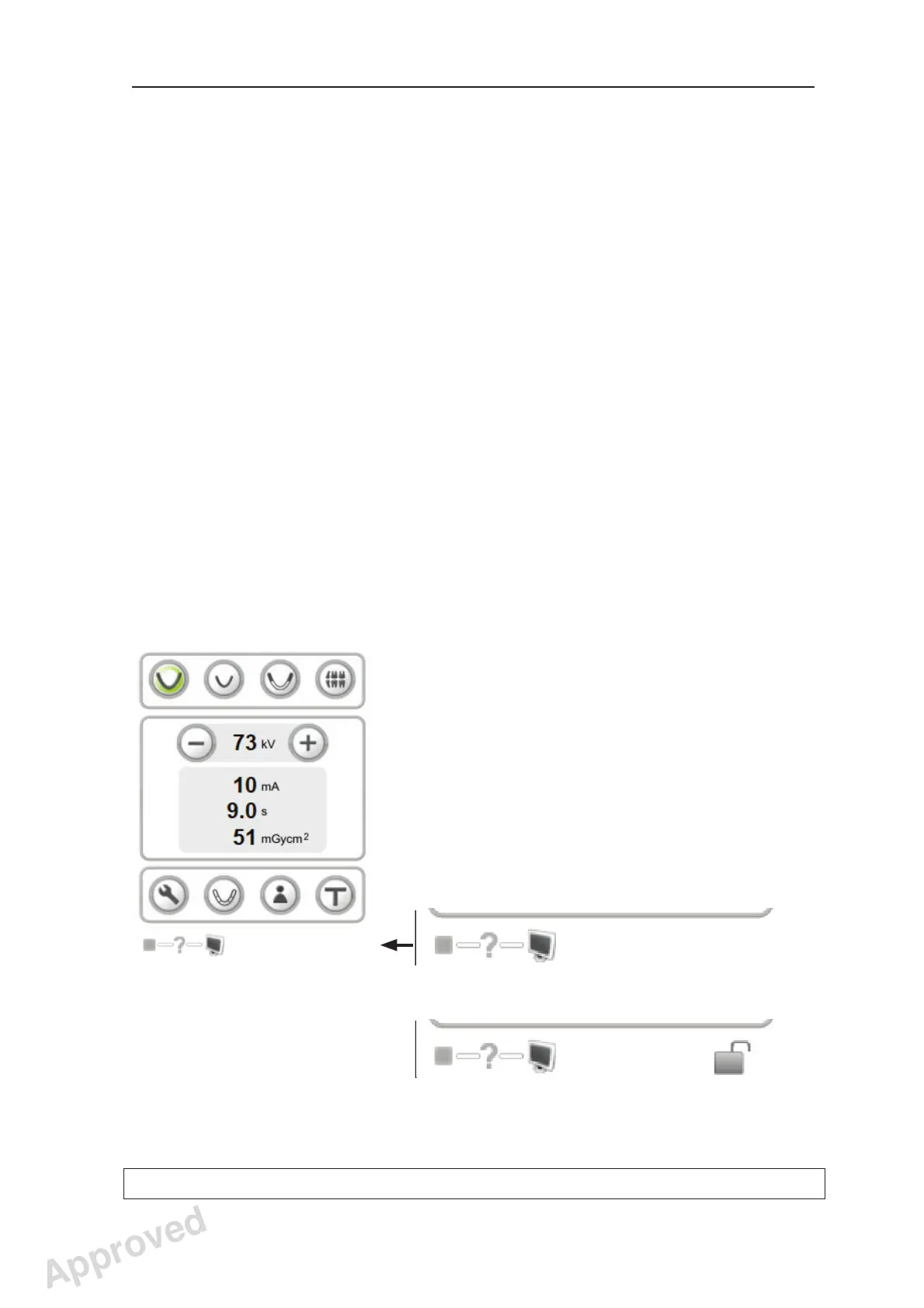
When the self test is complete, a question mark
(?) will appear next to the unit status indicator.
This indicates that you need to reserve the unit
before you can take an exposure.
Single user:
Multiple users:
Approved: Ukkonen Juha-Pekka 2015-03-13 13:08
Reviewed: Savinen Antti Juhani 2015-03-12 11:32
Approved
See PDM system to determine the status of this document. Printed out: 2016-01-27 12:19:26
D508980, 4
Copyright © 2015 by PaloDEx Group Oy. All rights reserved.



 To Next Page