44 User manual 208898
6. Troubleshooting and Maintenance CRANEX Novus e
Error symbols
REASON
i. The PC connected to the unit is not on.
ii. The dental imaging software in the PC is not open.
iii. The cable connecting the unit to the PC is disconnected or damaged.
iv. The IP address is not set correctly.
SOLUTION
i. Switch the PC on.
ii. Open the dental imaging software.
iii. Reconnect the cable. If damaged, contact service.
iv. Reconfi gure the IP address.
REASON
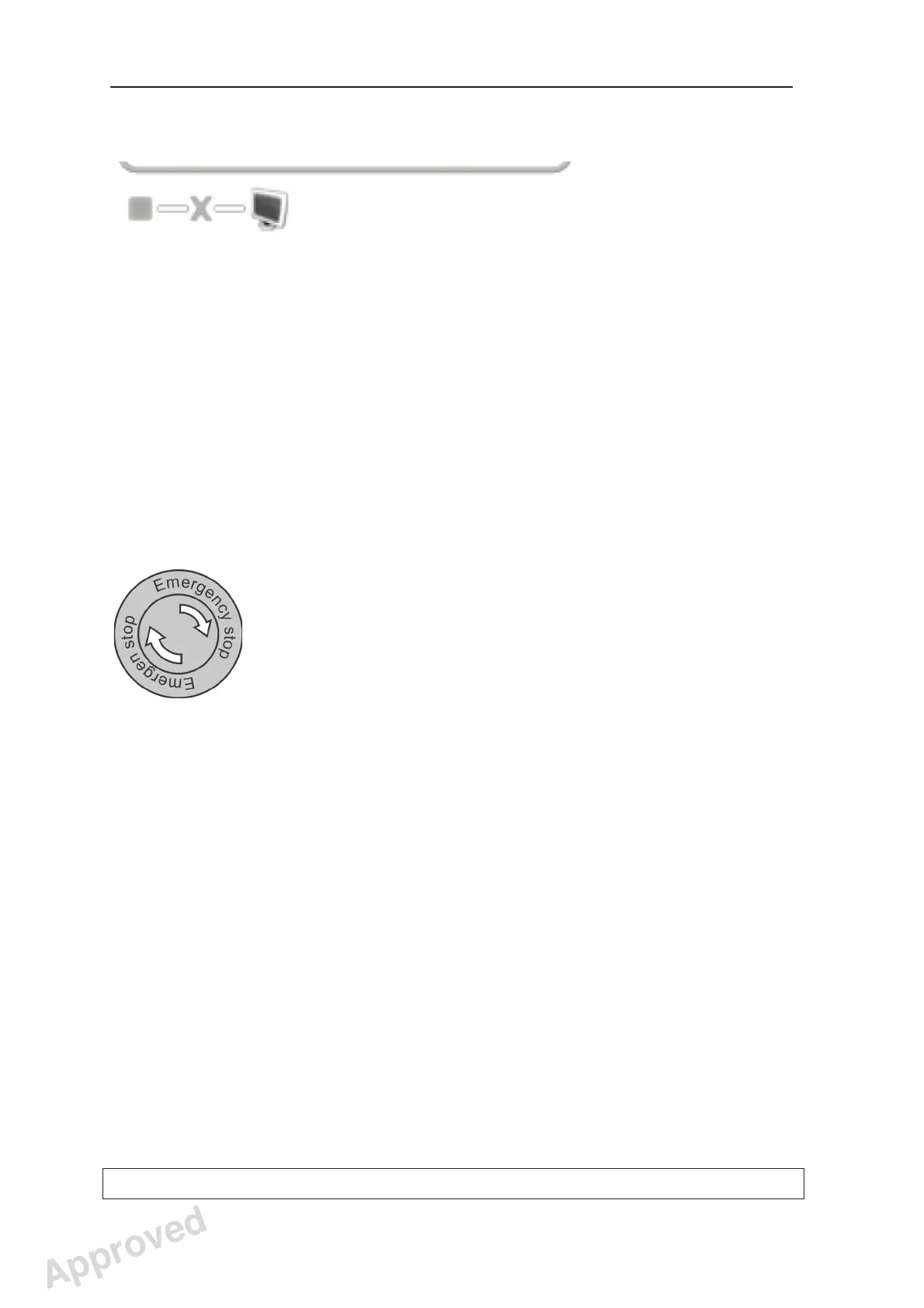
The emergency stop button is pressed down in the STOP position.
SOLUTION
Rotate and release the emergency stop button. The error symbol will clear.
Approved: Ukkonen Juha-Pekka 2015-03-13 13:08
Reviewed: Savinen Antti Juhani 2015-03-12 11:32
Approved
See PDM system to determine the status of this document. Printed out: 2016-01-27 12:19:26
D508980, 4
Copyright © 2015 by PaloDEx Group Oy. All rights reserved.



 To Next Page