CRANEX Novus e 5. Unit Setup
User manual 208898 37
5. Unit Setup
Various set-up options allow the unit to be
customized to your requirements
5.1 Setup options
1. PC: Open the dental imaging software you are
using.
2. Select Options and then click Novus e Setup.
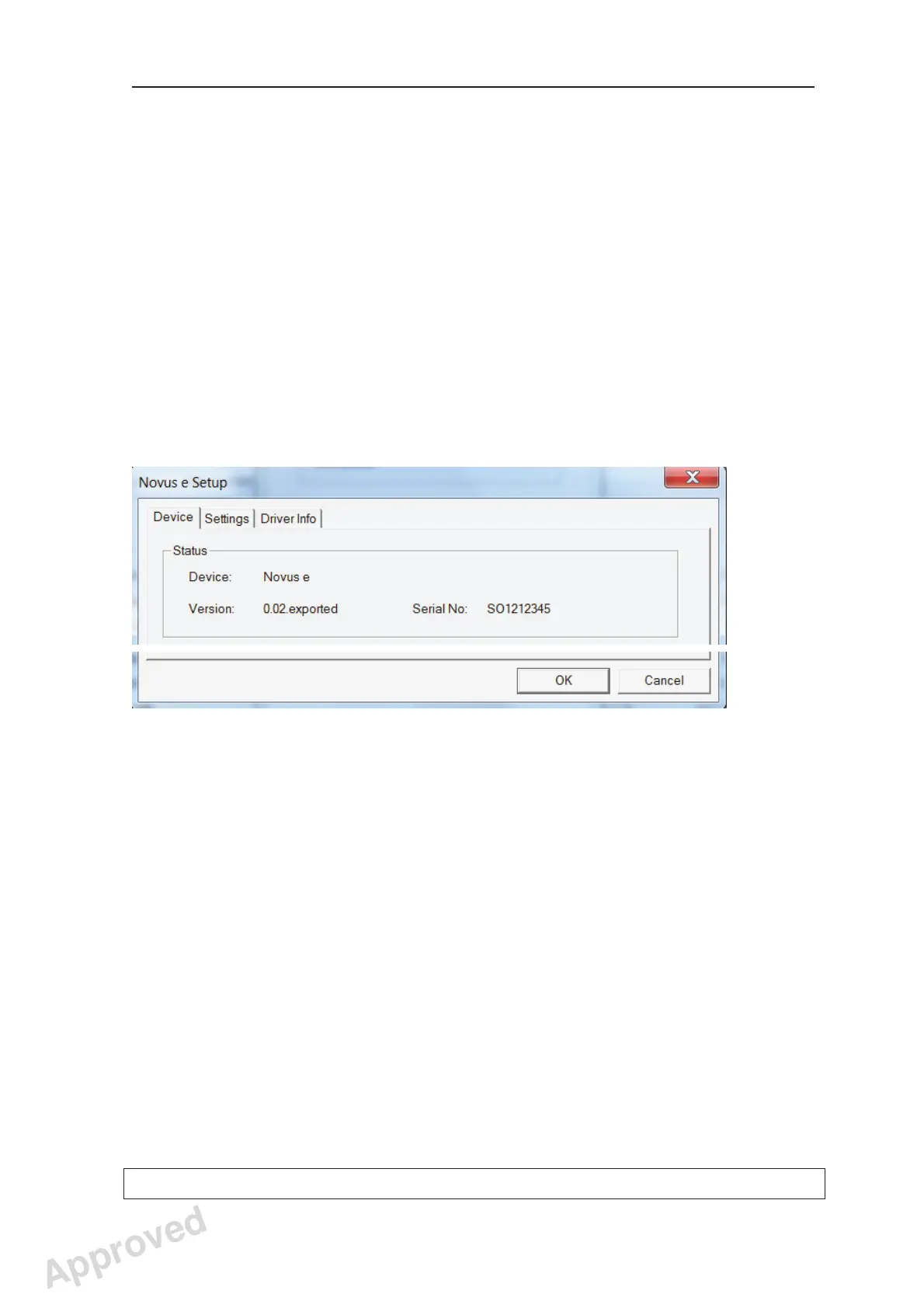
3. The Novus e Setup window will appear.
The Status fi eld:
Device indicates whether the unit is connected
to the PC. Version: shows the software version
of the unit and Serial No: the serial number of
the unit.
Approved: Ukkonen Juha-Pekka 2015-03-13 13:08
Reviewed: Savinen Antti Juhani 2015-03-12 11:32
Approved
See PDM system to determine the status of this document. Printed out: 2016-01-27 12:19:26
D508980, 4
Copyright © 2015 by PaloDEx Group Oy. All rights reserved.



 To Next Page