38 User manual 208898
5. Unit Setup CRANEX Novus e
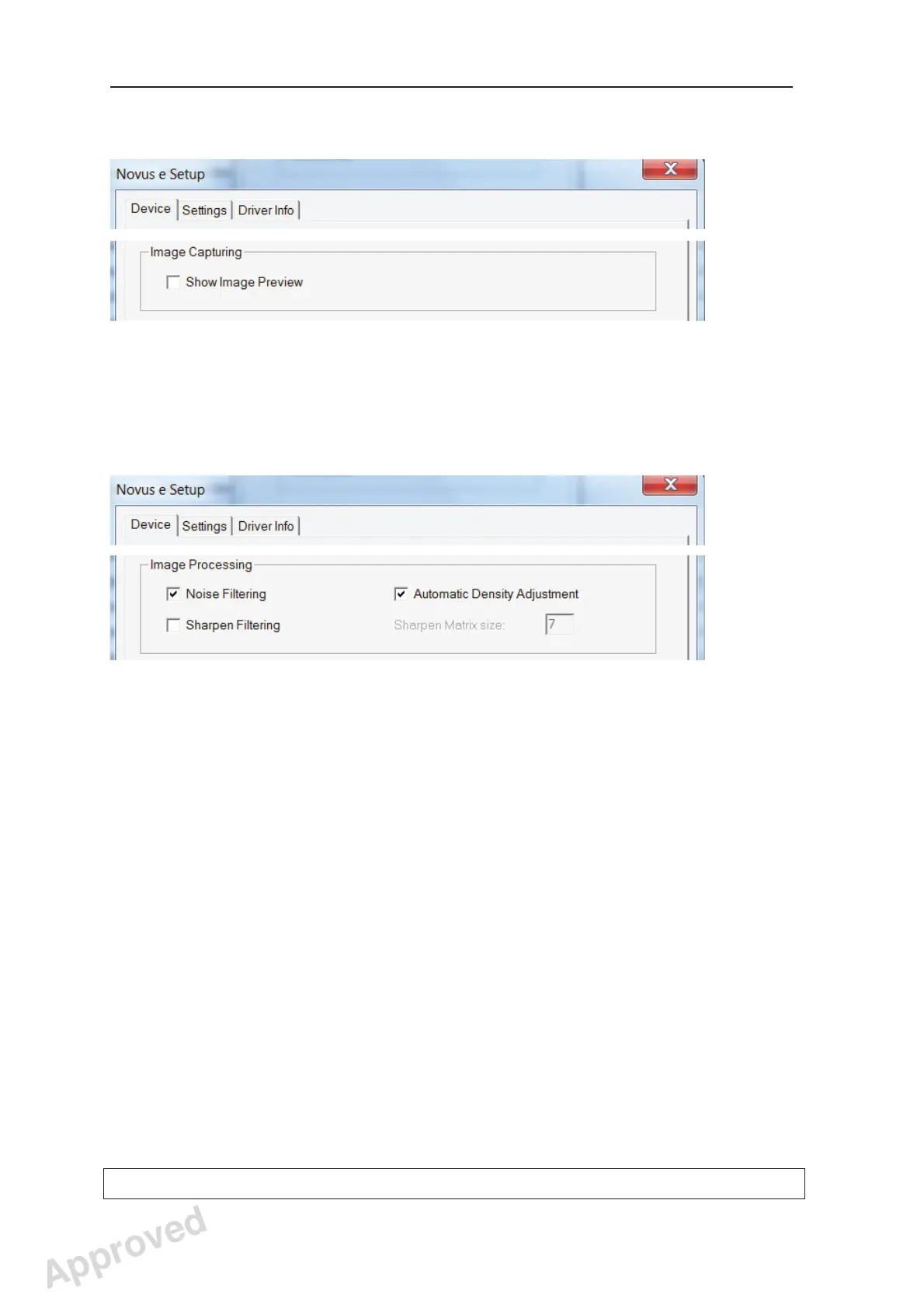
The Image Capturing fi eld
(DIGORA for Windows software only)
The Show Image Preview check box, see
section 5.2 Image Preview.
The Image Processing fi eld
(DIGORA for Windows software only)
The Noise Filtering check box should normally
be selected. Noise fi ltering make images
smoother when they are taken at low doses.
The Automatic Density Adjustment check box
should normally be selected. Automatic density
adjustment evens out the grayscale values.
The Sharpen Filtering check box should
normally be selected. When selected it adds
default sharpening to all new images. The
default value can be changed by entering a new
value into the Sharpen Matrix size edit box.
Values from 0 to 25 can be entered. The factory
set value is 7.
Approved: Ukkonen Juha-Pekka 2015-03-13 13:08
Reviewed: Savinen Antti Juhani 2015-03-12 11:32
Approved
See PDM system to determine the status of this document. Printed out: 2016-01-27 12:19:26
D508980, 4
Copyright © 2015 by PaloDEx Group Oy. All rights reserved.



 To Next Page