User manual 208898 43
CRANEX Novus e 6. Troubleshooting and Maintenance
6. Troubleshooting and Maintenance
6.1 Error messages and symbols
If the unit is not used correctly or the unit
malfunctions an error message or symbol will
appear on the unit display.
There are three groups of error message:
- Error symbols
The symbol will clear when the problem is
corrected.
- H, user errors
- E (Error), exposure errors, these occur during
exposure.
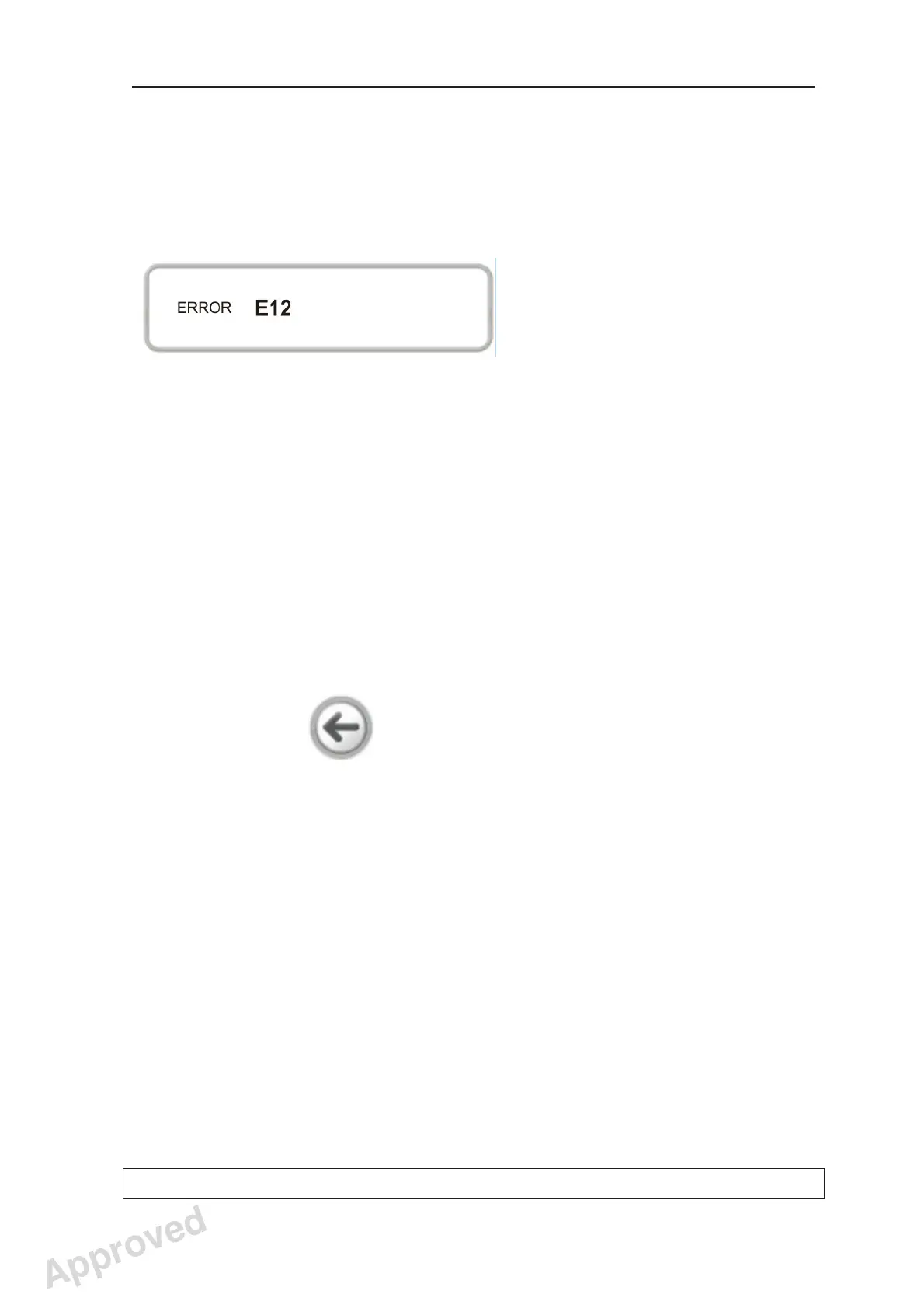
These appear on the error message display.
Touch the arrow key to clear the error message
and return to the main display.
NOTE:
If the arrow does not appear on the error
message display you will have to wait for the
error to clear automatically.
Approved: Ukkonen Juha-Pekka 2015-03-13 13:08
Reviewed: Savinen Antti Juhani 2015-03-12 11:32
Approved
See PDM system to determine the status of this document. Printed out: 2016-01-27 12:19:26
D508980, 4
Copyright © 2015 by PaloDEx Group Oy. All rights reserved.



 To Next Page