CRANEX Novus e 3. Taking an Exposure
User manual 208898 11
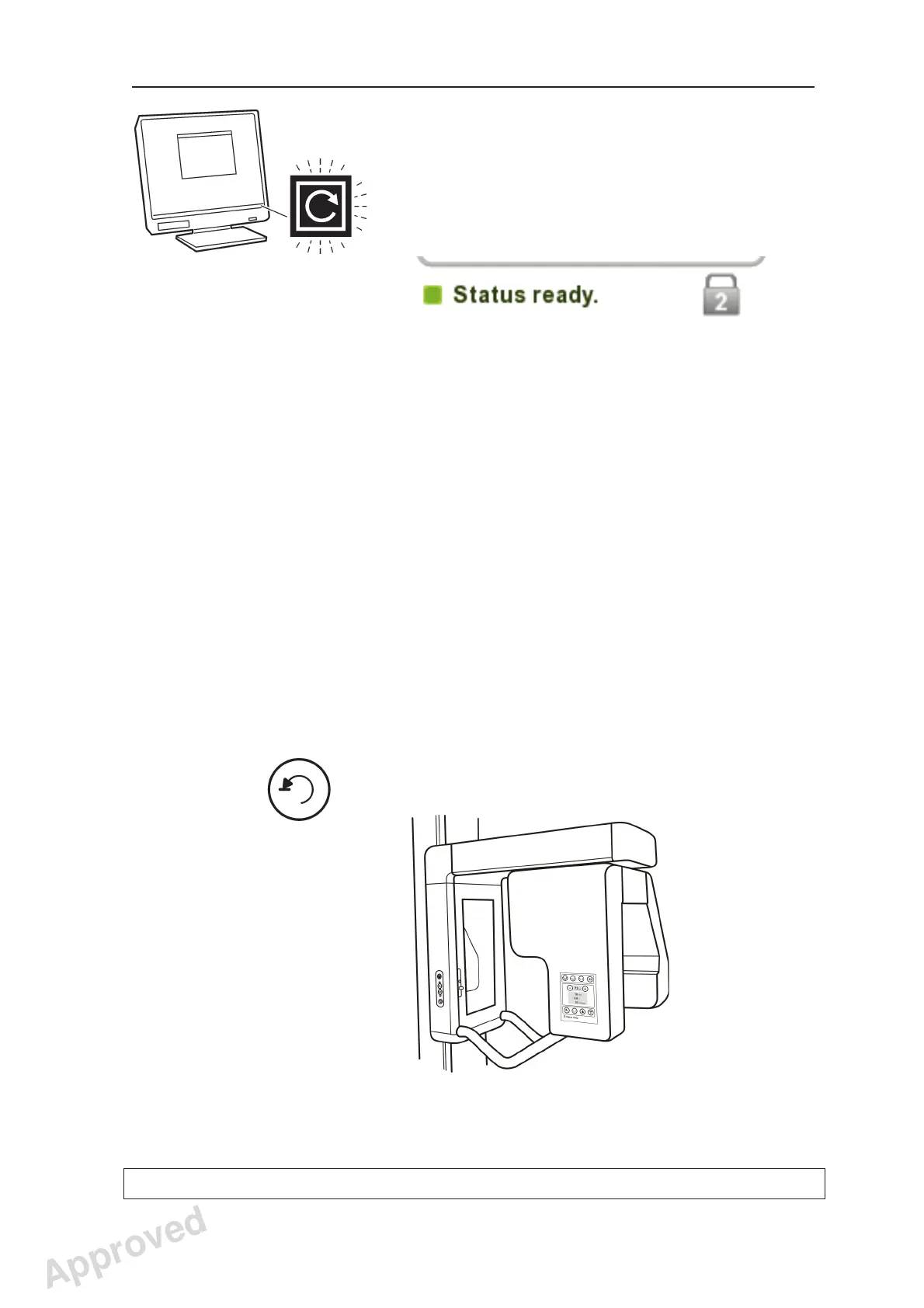
5. PC: Click the Reserve the device button to
reserve the unit.
The Connect window will disappear and the
GREEN Multiconnect icon will start to fl ash.
This indicates that you have now reserved the
unit and it is now ready to take an exposure.
NOTE:
If the Multiconnect icon is YELLOW, it indicates
that the unit has been reserved by someone
else. Wait until the unit is free.
If you wish to know who has reserved the unit,
place the cursor on the Multiconnect icon
(while yellow) and a message showing who has
reserved the unit will appear.
NOTE:
If the Multiconnect icon is GRAY, it indicates
that the unit has not been switched on or is just
starting up and is not yet ready for use.
Switch the unit on and / or wait until the unit is
ready for use.
6. Press the Return key to drive the rotating unit to
the Patient In/Out (PIO) position.
Approved: Ukkonen Juha-Pekka 2015-03-13 13:08
Reviewed: Savinen Antti Juhani 2015-03-12 11:32
Approved
See PDM system to determine the status of this document. Printed out: 2016-01-27 12:19:26
D508980, 4
Copyright © 2015 by PaloDEx Group Oy. All rights reserved.



 To Next Page