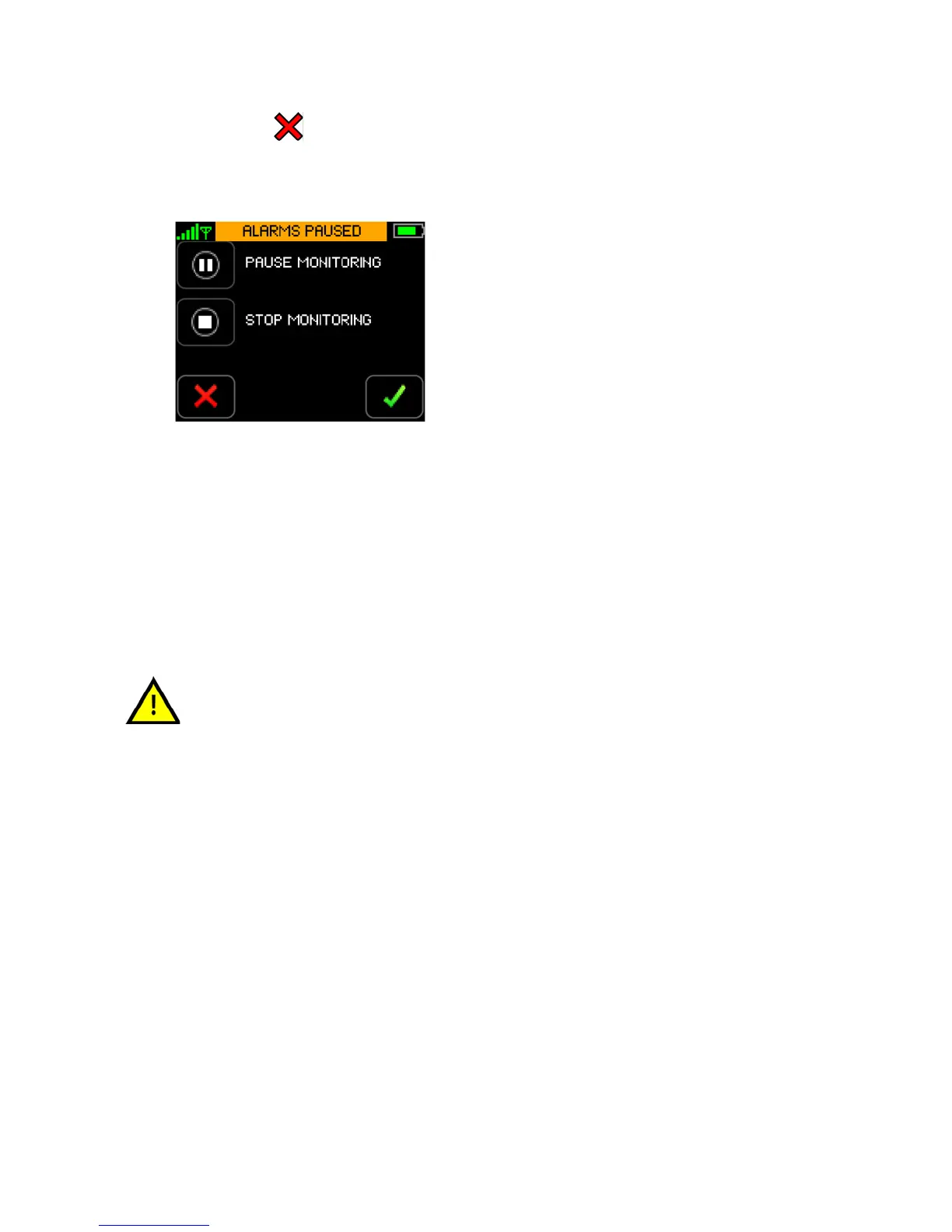
Pause Monitoring
141
Touch Cancel.
If cancelled, the program returns to the Menu screen and monitoring continues uninterrupted.
If confirmed, the Monitoring Paused screen is displayed. Monitoring is paused effective
immediately.
Note: Remove all the sensors from the Monitor and the patient.
Note: To remove the sensors from the Monitor, grasp the sensors near the plug, and while holding
the Monitor firmly, pull out the plug.
If you want to stop monitoring permanently, follow the steps outlined in section 8.9 Stop Monitoring on
page 142.
When monitoring has been paused, monitoring may only be resumed using
the same ViSi Mobile Monitor. If you place the ViSi Mobile Monitor into the
Charger with other Monitors, label the Monitor so that is can be identified
when monitoring is to be resumed.


 To Next Page