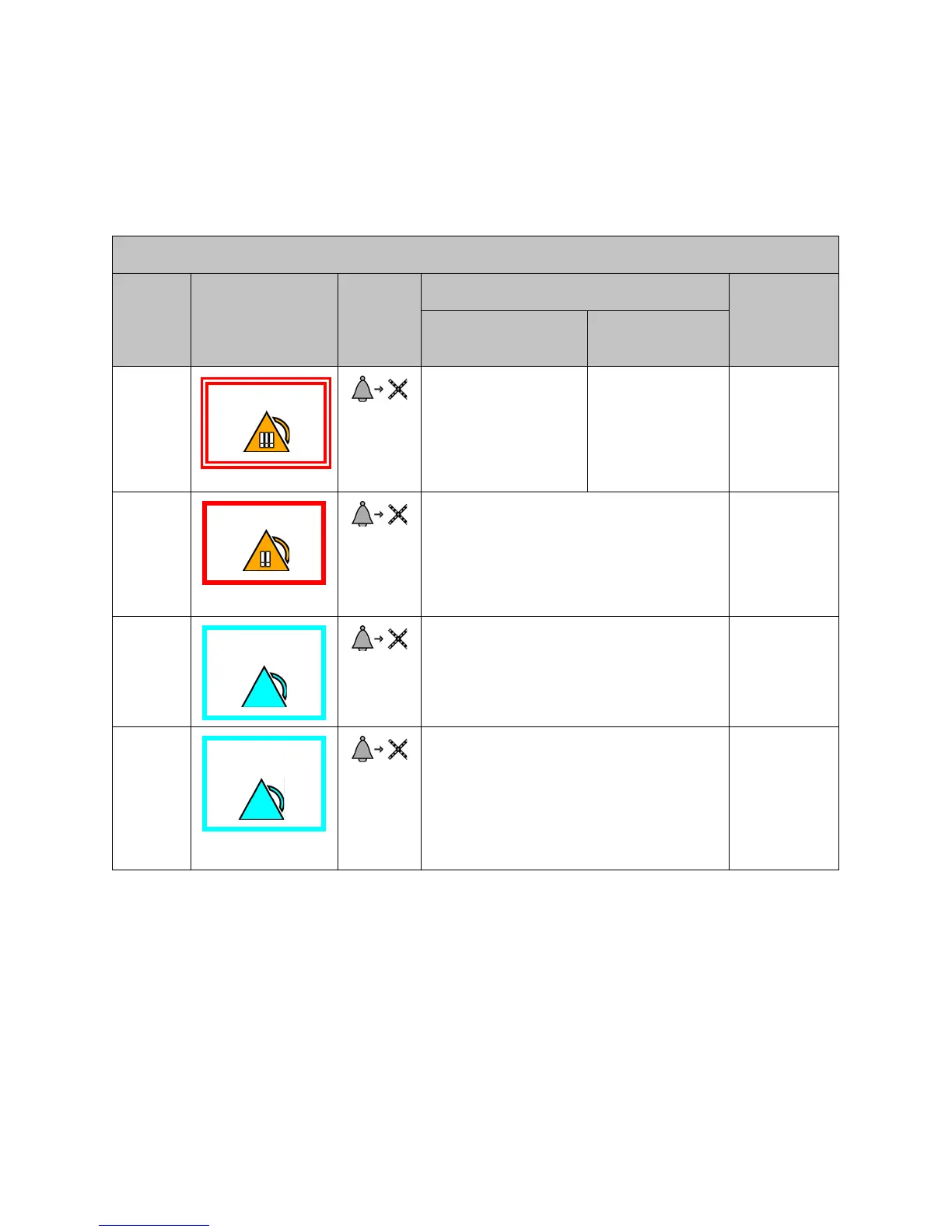
Physiological Alarms (Alarms) / Technical Alarms
83
6.2 Physiological Alarms (Alarms) / Technical Alarms
(Alerts) Summary
6.2.1 Responding to Alarms/Alerts
Silencing Audible Alarms/Alerts from ViSi Mobile Remote Viewer
Priority Type of Alarm
Silence
Button
Where to Respond to Alarm
Audio Tones
a
a. Audio tones associated with alarms/alerts will only occur on the ViSi Mobile Monitor when the Monitor
is not connected to a known network. Audio tones will always occur on the ViSI Mobile Remote
Viewer.
Remote Viewer
(At Clinician’s Station)
Mobile Monitor
(At Patient)
1 Silenced at the Remote
Viewer for 2 minutes.
Continues on Mobile
Monitor
Audible continues
on Mobile Monitor
until silenced on
Mobile Monitor.
Beep
Beep
Beep
- Pause -
Beep
Beep
2 Silence at Remote Viewer or Mobile Monitor.
(2 minute audible silenced on both Remote
Viewer and Mobile Monitor.)
Beep
Beep
Beep
- Pause -
Beep
Beep
3 Silence at Remote Viewer or Mobile Monitor.
(2 minute audible silenced on both Remote
Viewer and Mobile Monitor.)
Beep
Beep
- Pause -
4 Visual Only - No Sound
Acknowledge at the Remote Viewer or Mobile
Monitor.
(Acknowledged for 2 minutes at both the
Remote Viewer and Mobile Monitor.)
No audio
tones.


 To Next Page