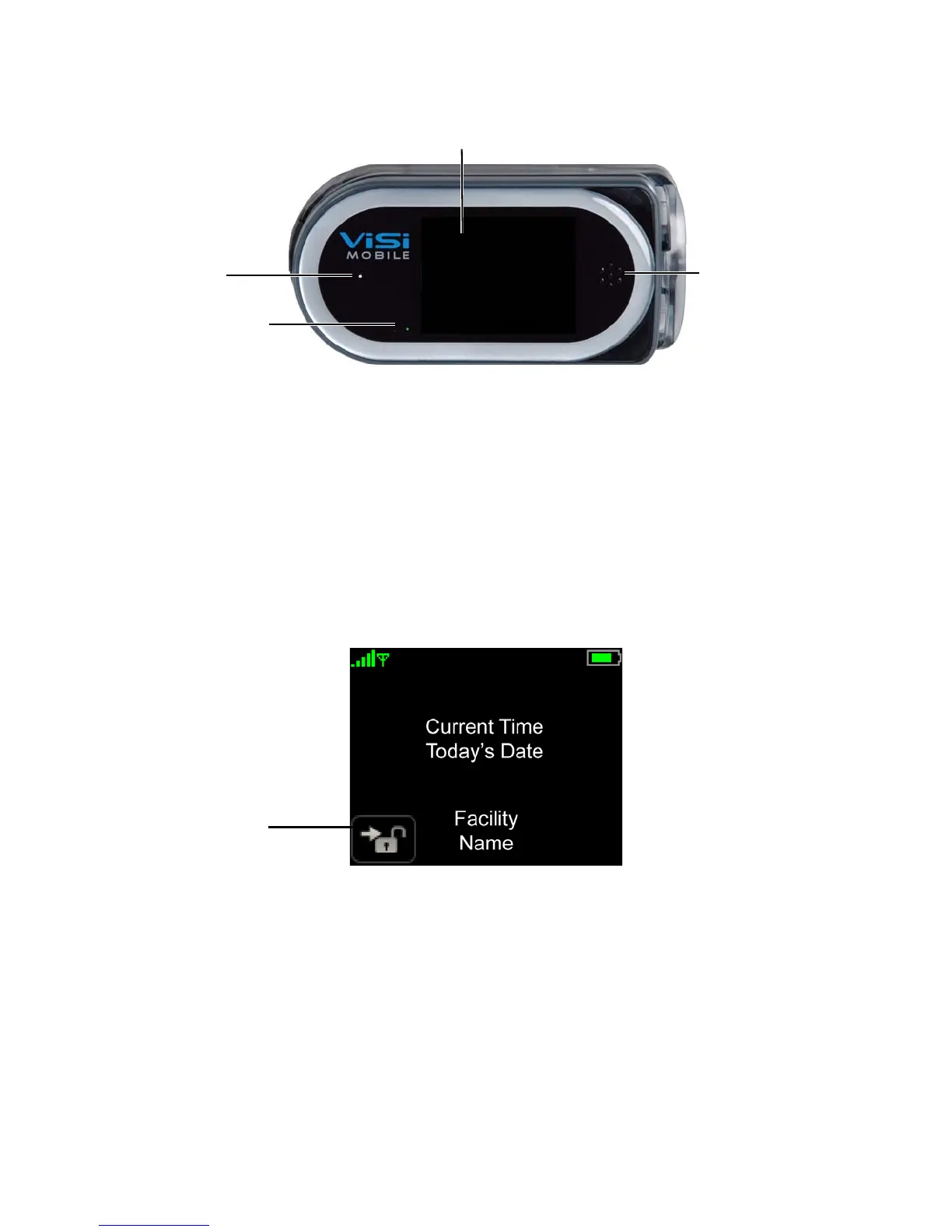
Display Screens
54
Note: When the Monitor is not in the Charger, the power indicator shows the approximate
monitoring time left:
Green: Battery has at least 3 hours of monitoring time left.
Yellow: Battery is low with less than 3 hours of monitoring time left.
Red: Battery is critically low with less than 1 hour of monitoring time.
4.4.7 Patient View Screen
The Patient View screen appears whenever the touchscreen is touched continuously for 2 seconds during
Quiet Monitoring.
Use the
Patient View screen to:
• View the current time
• View battery charge level
• Unlock the Monitor
Power
Touchscreen
Speaker
Indicator
Microphone



 To Next Page