Preparing for a New Patient
62
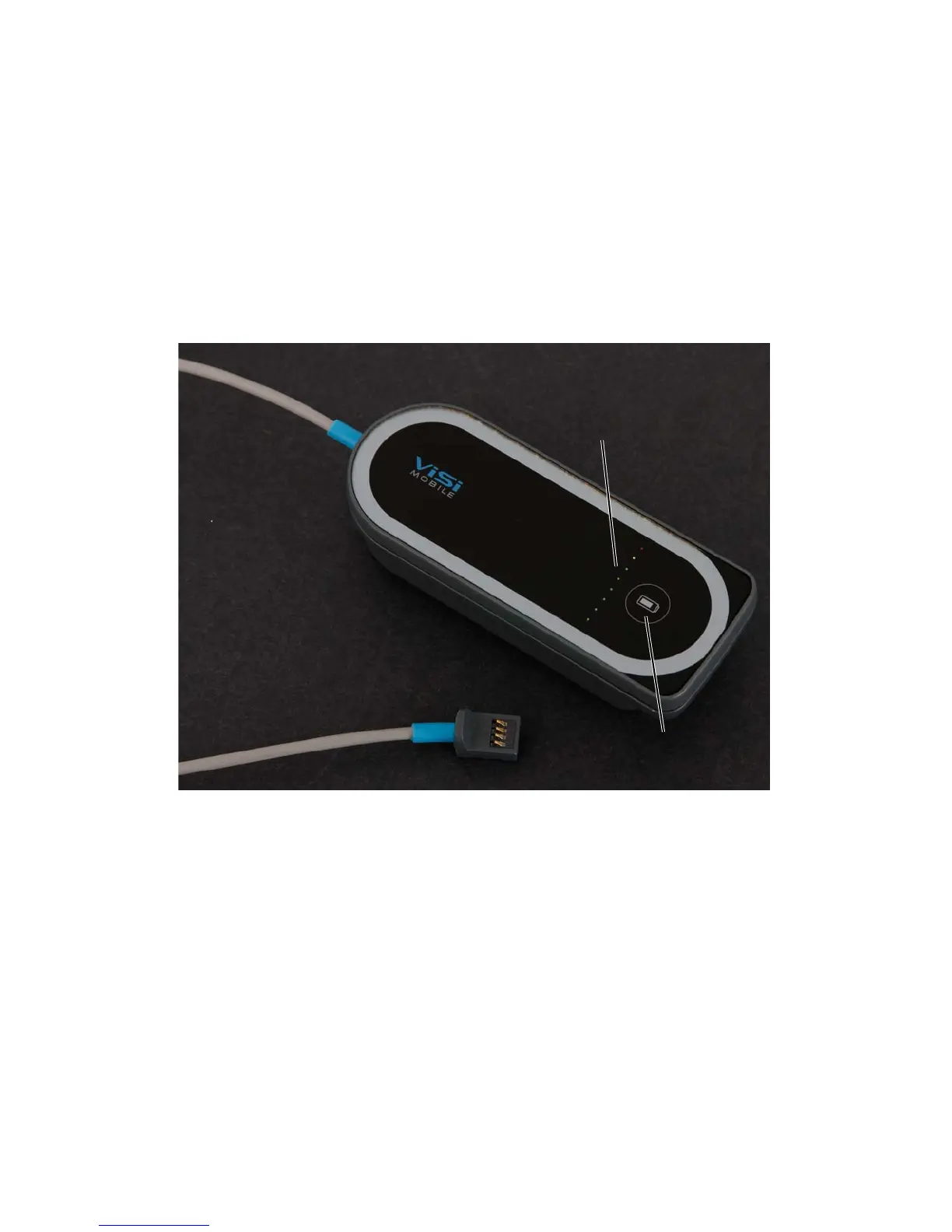
To check the battery charge of the Cuff Module
Press the Battery Status button on the front of the Cuff Module.
There is a row of eight colored lights on the front surface of the Cuff Module.
Illuminated green lights indicate that the level of the battery charge is adequate for at least several NIBP
measurements. When six illuminated green lights are visible on the Cuff Module, the Module is fully
charged.
When the yellow light is illuminated, the battery charge is low. At least one NIBP measurement is possible.
When the red light is illuminated, the battery charge is too low for any further NIBP measurements.
Battery Status
button
Battery Status
Indicator (LEDs)


 To Next Page