System Components
42
Charging the Cuff Module
Insert the Cuff Module that you want to charge into one of the Charger docks.
One of the charging indicator lights will blink while the Cuff Module is charging.
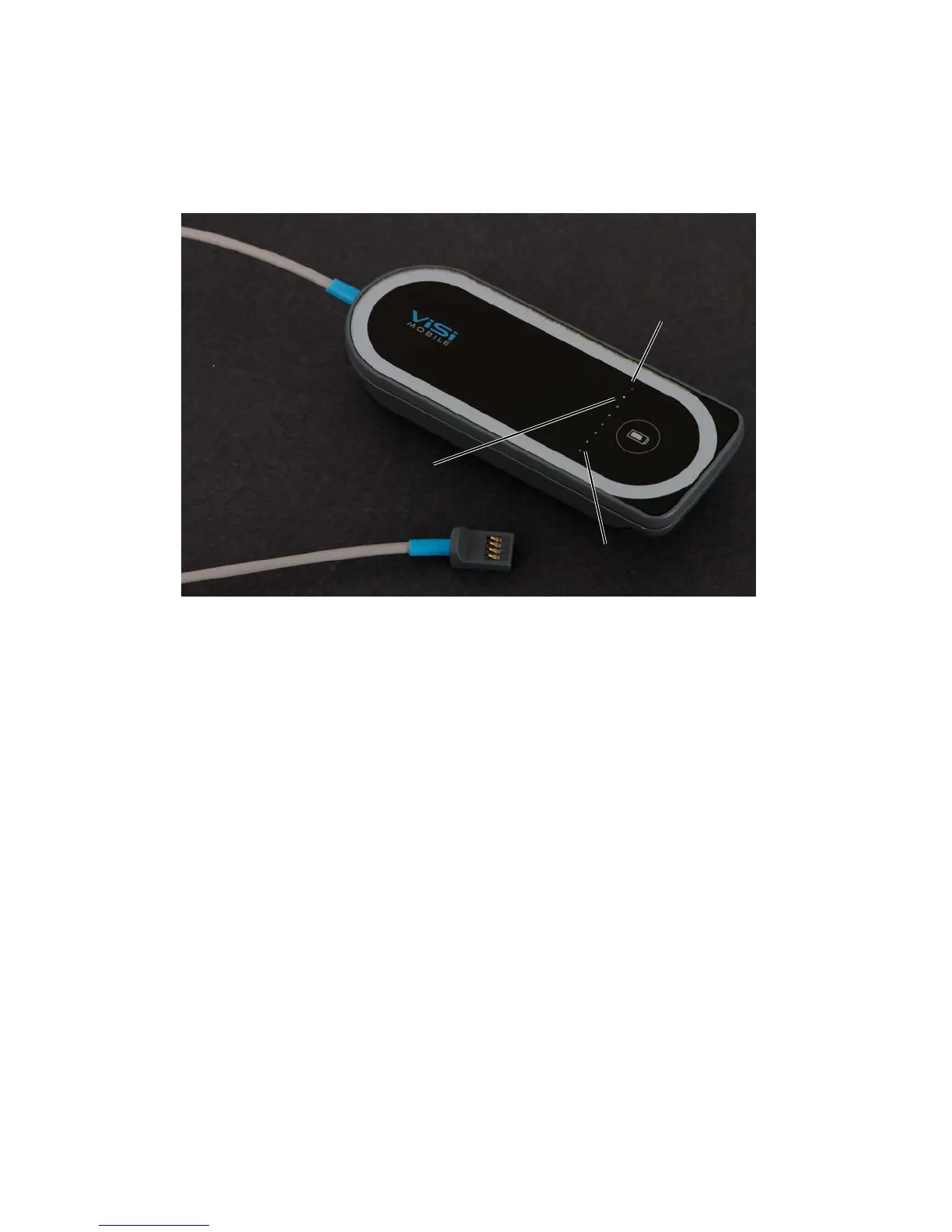
When one of the green charging indicators is flashing, the battery in the Cuff Module is charging. The
position of the green charging indicator represents the level of charge. When the charge indicator furthest
away from the red charging indicator is flashing, the Cuff Module is fully charged.
When the yellow charging indicator is flashing, the battery in the Cuff Module is low. At least one
additional measurement may be taken.
When the red charging indicator is flashing, the battery in the Cuff Module has insufficient charge to take
a measurement. No cuff inflations are possible.
Charging the Optional ViSi Power Pack
See “ Charging the ViSi Power Pack on page 212”
Battery is empty
Battery is fully charged
Battery is low
(Red LED)
(Yellow LED)
(Green LED)


 To Next Page