Display Screens
51
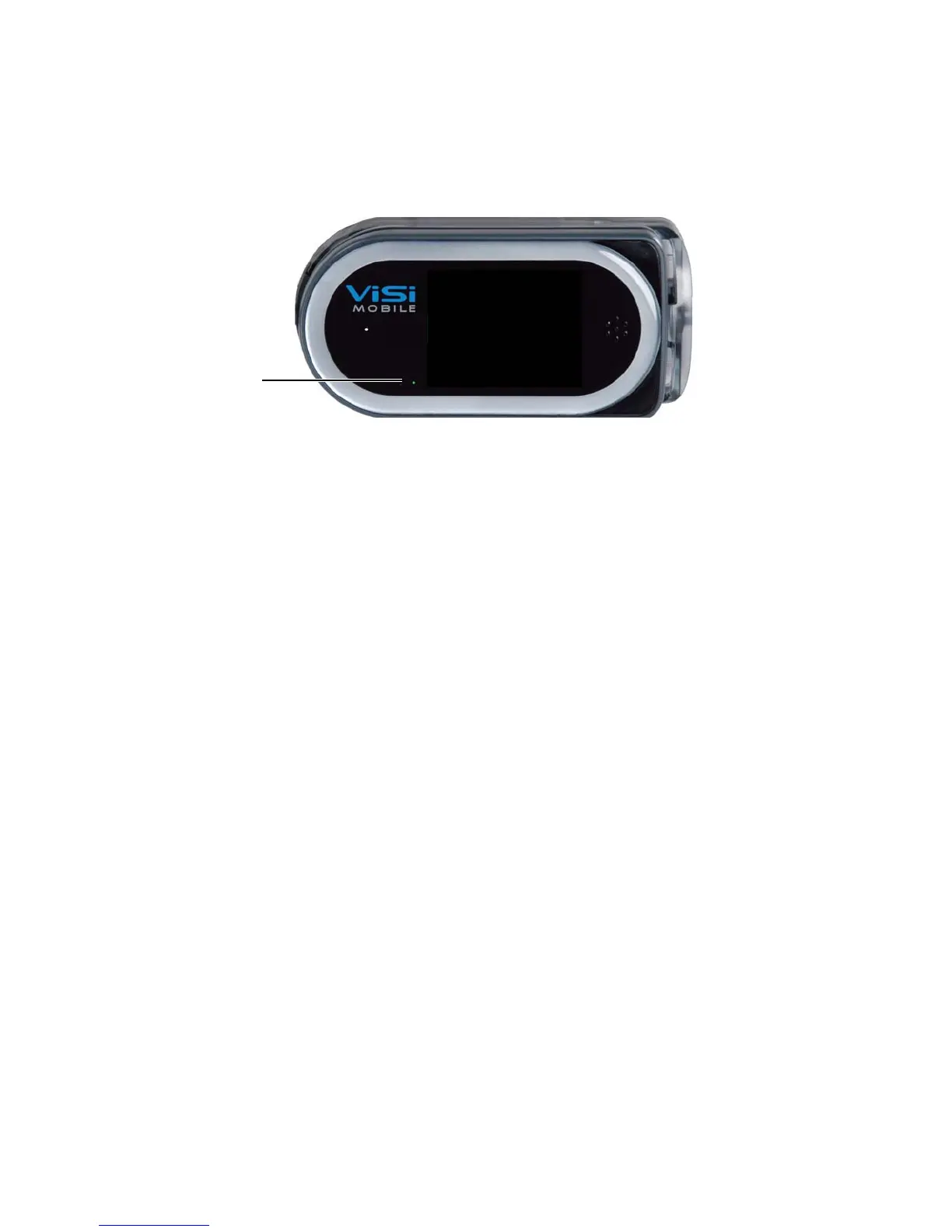
4.4.2 Hibernation Screen
The Hibernation screen (blank screen) is the default when no monitoring is currently in progress.
The
Hibernation screen conserves battery power under the following conditions:
• The Shipping Plug is not plugged into the Monitor
• The Monitor is not in the Charger
• No sensors are connected to the Monitor
Note: When the Monitor is not in the Charger, the power indicator shows the approximate
monitoring time left:
Green: Battery has at least 3 hours of monitoring time left.
Yellow: Battery is low with less than 3 hours of monitoring time left.
Red: Battery is critically low with less than 1 hour of monitoring time.
Note: Connecting a sensor to the Monitor displays the
Vital Sign screen. There will be a brief delay
before the
Vital Sign screen is displayed to allow the Monitor’s self test to complete.


 To Next Page