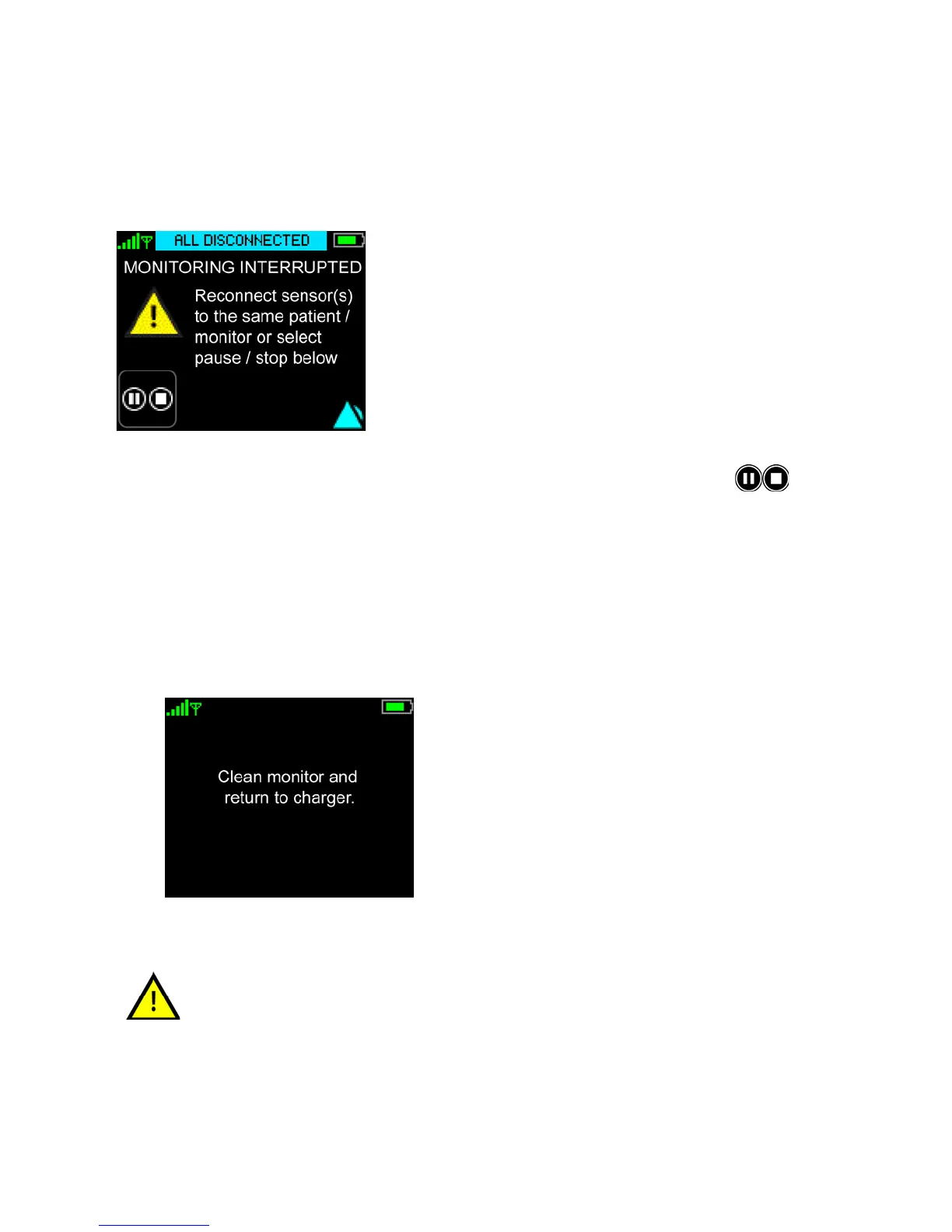
All Sensors Disconnected
145
8.10 All Sensors Disconnected
The “All Sensors Disconnected” screen will be displayed when the last sensor is disconnected from the
ViSi Mobile Monitor without going through the proper “Stop Monitoring” procedure. (see 8.6Viewing
Patient’s Demographics on 134). An “All Disconnected” alert will be generated.
1. To stop monitoring the patient, touch
Stop to initiate the Stop Monitoring process.
- or -
to resume monitoring, connect the sensor(s) to restart monitoring.
Monitoring will automatically continue.
2. Enter your PIN code if required. (See To unlock the Monitor on page 114.)
The Clean Monitor screen appears.
Placing the ViSi Mobile Monitor into the Charger when the “All Sensors
Disconnected” alert is displayed will result in the patient’s monitoring
session being stopped. It is recommended that you follow the correct stop/
pause monitoring flows as outlined in sections 8.8 Pause Monitoring on page
139 and 8.9 Stop Monitoring on page 142.


 To Next Page