Pause Monitoring
140
To pause monitoring
1. With one finger, touch the Monitor screen for two seconds to activate the display.
The Patient View screen appears.
2. Enter your PIN code if required. (See To unlock the Monitor on page 114.)
The Vital Signs screen appears.
3. Touch
MENU.
The Menu screen appears.
4. Touch
PAUSE / STOP.
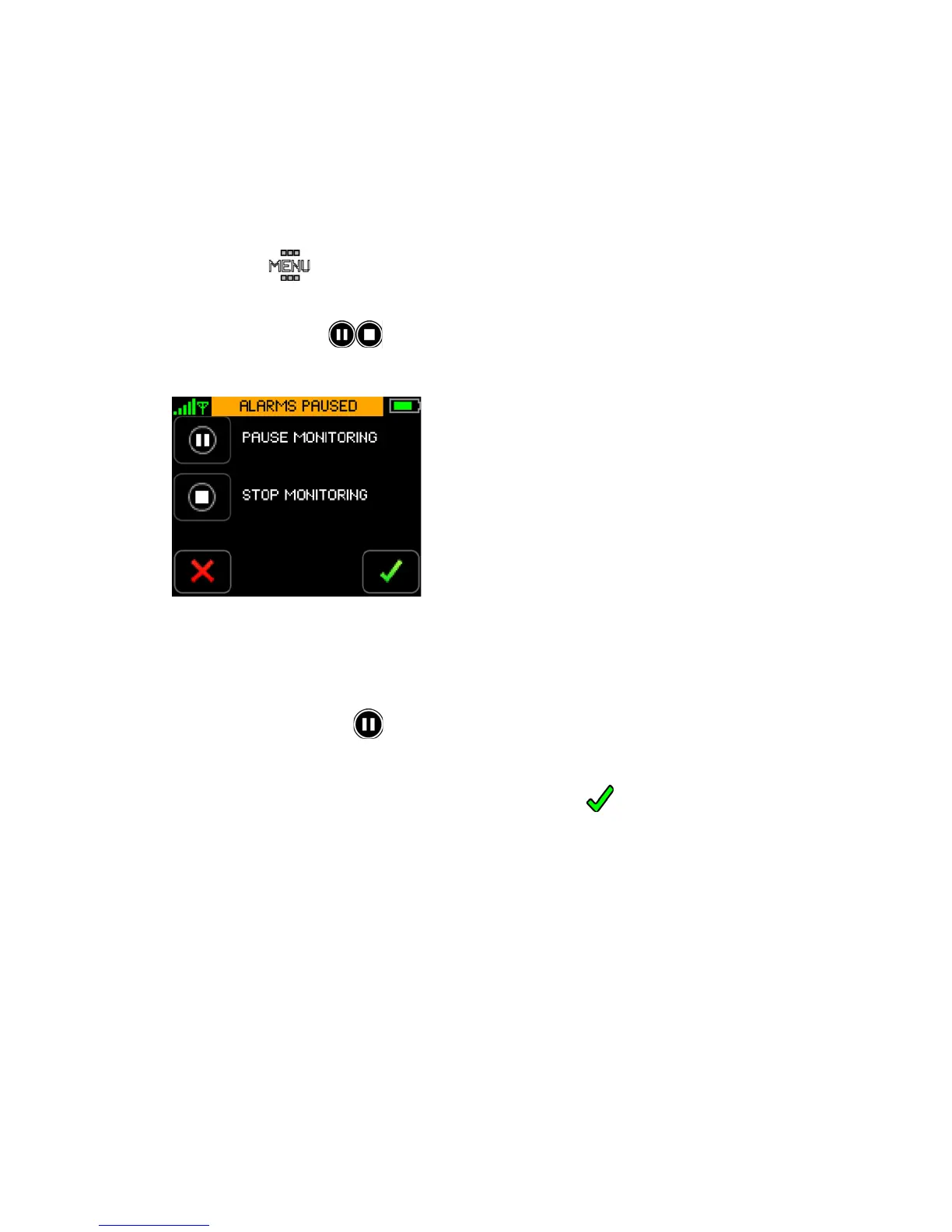
The Pause/Stop Monitoring screen appears.
Note: Once the Pause/Stop Monitoring process has been initiated, the alarms will be paused until
the process is successfully completed or cancelled.
5. Touch
Pause Monitoring.
The Confirm button will be enabled.
6. Touch
Confirm to confirm that you want to stop monitoring.
- or -


 To Next Page