Display Screens
50
4.4 Display Screens
This section describes various screens displayed on the ViSi Mobile Monitor. Each screen is accessed by
interacting with the touchscreen display.
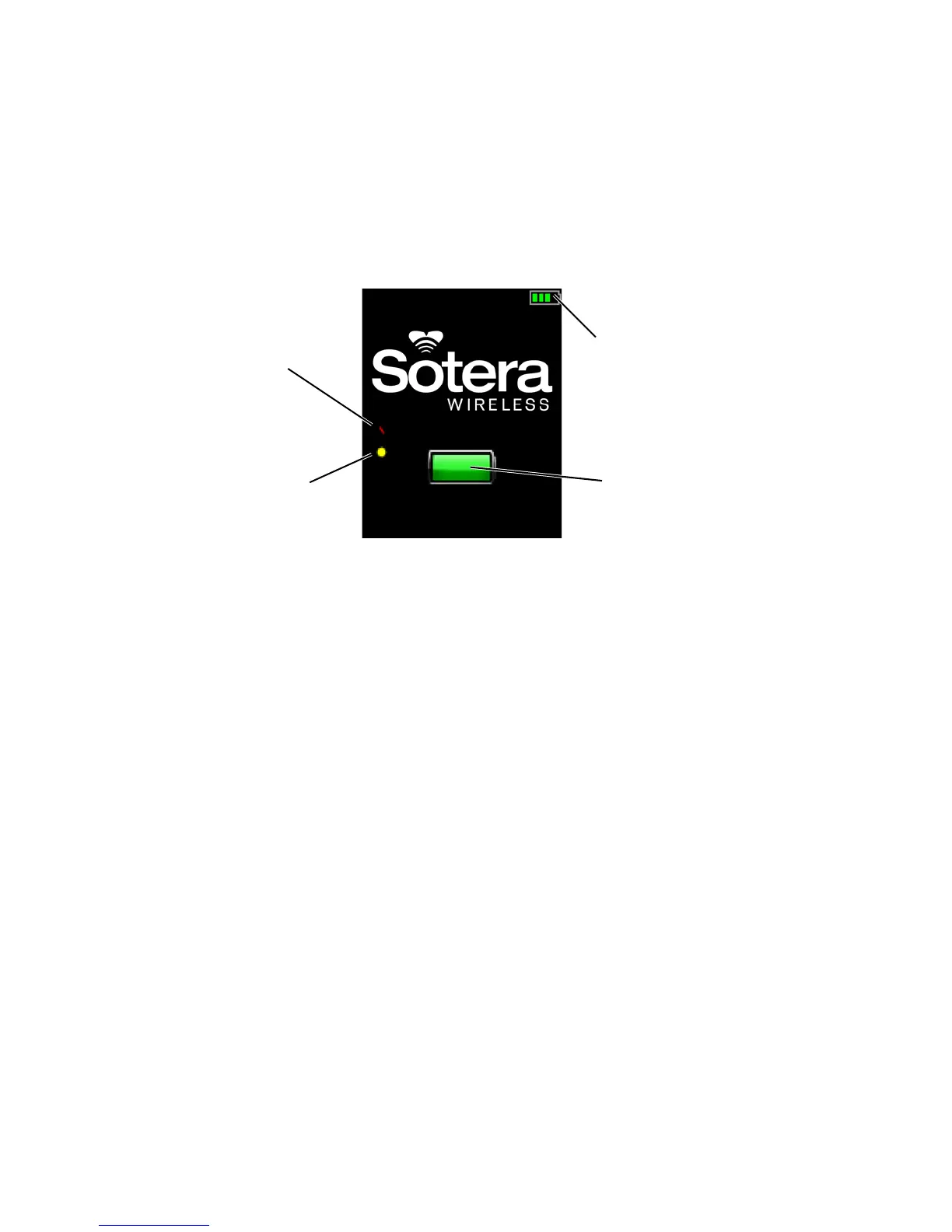
4.4.1 Battery Charge Screen
The Battery Charge screen displays the battery status while the Monitor is charging in the Charger.
Note: When the red bar is displayed on the screen, it indicates the Monitor will measure
continuous blood pressure (cNIBP) when the Chest Sensor, Cuff Module and Thumb Sensor
are connected to a Monitor.
Note: When the yellow dot is displayed on the screen, it indicates the Monitor will measure RESP
when a Chest Sensor is connected to a Monitor.
Note: cNIBP and RESP measurements are not available as part of the default set of vital sign
measurements and must be purchased separately.
Battery Status
Battery Charging Indicator
(pulsates as battery is charging)
Indicator
RESP measurement
option is available
cNIBP measurement
option is available


 To Next Page